A buyer's guide to magazine and publisher block themes: story layouts, category pages, ad slots and keeping pages fast.
What a magazine block theme does, in plain words
A magazine theme is built for sites that publish many stories across several sections. Where a blog theme shows a simple list, a magazine theme gives you a front page with a lead story, secondary stories, section blocks (News, Culture, Opinion), category landing pages, article templates with bylines and related stories, and places to put adverts or sponsor messages.
The block part means these layouts are built with the block editor and the Site Editor rather than with a separate builder or a pile of widgets. In theory, editors can rearrange the front page without a developer. In practice, the quality of that experience varies a lot, so it is worth testing.
How it works under the hood
A magazine front page is a set of queries. Each section is a Query Loop block (or an equivalent theme block) that pulls posts from a category, tag or sticky selection, and displays them with a chosen layout: a large lead card, a row of three, a compact list. The Post Title, Featured Image, Excerpt, Author, Date and Terms blocks assemble each card. Our guide to patterns and the Query Loop shows how.
The theme’s job is to supply those layouts as patterns and templates. According to the WordPress handbook, patterns in a theme’s /patterns folder are registered automatically with a header comment, so a magazine theme can offer “Lead story with three below” or “Section strip” as insertable patterns. Typography and spacing presets live in theme.json.
The costly parts are the ones outside core: ad slots, sponsored labels, infinite scroll and “load more” scripts. Ads in particular are usually inserted by a plugin or an ad network’s script, and the theme only provides the container. That relationship decides whether ads wreck your layout stability.
Who needs one (and who does not)
You need a magazine theme if you publish several stories a day or week across sections, if you have more than one author, and if homepage curation is part of the job. News sites, niche publications, trade journals and community outlets fit.
You probably do not need one for a single-author blog, where a reading-first theme is calmer and lighter; see our blog-first theme guide. You also do not need one just because your site has categories. If you run ads, a magazine theme helps only if it reserves space correctly. For tips on reading speed data, see Core Web Vitals on WordPress.
Types and approaches
| Approach | How it works | Strength | Trade-off |
|---|---|---|---|
| Core-block magazine theme | Query Loop sections and patterns in the Site Editor | Light, editable, portable | You curate the homepage by hand |
| Theme plus publishing platform | Theme works with a publisher-focused plugin set | Tools for newsrooms, ads, newsletters | Dependency on the platform |
| Commercial magazine theme | Many homepage modules, mega menus, ad areas, review boxes | Fast to launch | Heavy, option-laden, lock-in |
| Builder-based magazine layout | Page builder templates for the homepage | Visual control | Extra weight; builder-specific markup |
| General block theme with query patterns | One theme, a few magazine-style patterns | Simple, cheap | Thin editorial features |
What to look for
Our theme weights are speed impact 30%, reliability 25%, support 20%, value 15%, ease of use 10%.
Speed impact (30%)
Magazine pages have many images, many links and, often, ads. web.dev’s “good” thresholds at the 75th percentile are LCP 2.5 seconds or less, INP 200 milliseconds or less and CLS 0.1 or less. Check three things: how many images load on the front page, whether below-fold images are lazy-loaded, and whether the first image is prioritised. See image optimisation and caching plugins for what helps beyond the theme.
Reliability (25%)
Publishers cannot afford downtime on update day. Look at the update record, compatibility statements and whether the theme depends on a plugin that must stay in step with it. Check how the front page behaves when a category has no posts or a post has no featured image.
Support (20%)
Look for documentation on homepage building, category layouts and ad placement, plus public replies in a support forum.
Value (15%)
Many magazine features can be done in core. Paid tiers should offer something you would use, such as extra homepage patterns. Check vendors’ pricing pages directly.
Ease of use (10%)
Editors will change the front page daily. Count the clicks to swap the lead story. A pattern that needs a developer to change is a poor fit.
Ad slots and layout stability
Ad containers should have reserved dimensions so the page does not jump when an ad loads. CLS is the metric hit hardest. Ask how the theme handles slots at the top, in-content and in the sidebar, and test with the real ad code on staging. Do not put ads above the main headline on mobile without reserved space.
Article template and structured data
Check byline, dates, author pages, related stories and share tools. Check that headings are sensible. For search features, see schema markup on WordPress and XML sitemaps.
Category and archive pages
Section pages are entry points from search. Check that each archive has a clear title, description area, pagination and a layout that scales to thousands of posts.
Real products to look at
These are examples, not a ranking. Descriptions come from the sources named and may have changed.
Newspack theme. According to its GitHub repository, it is a forward-looking news theme designed to be highly customisable with the block editor, part of Newspack, an open-source publishing platform for small to medium news organisations. We could not find its wordpress.org listing during our research, so check its documentation for how it is distributed and what it requires.
News Articles, Newsp, VW Newspaper and Free Press Newspaper. These appear in wordpress.org search results as themes aimed at newspapers and magazines. A search listing described News Articles as an advanced news magazine theme, Newsp as designed for online newspapers and digital magazines, and Free Press Newspaper as a clean newspaper-style child theme of NewsPaperly. We did not read these in depth, and install counts for most are small, so treat them as candidates to test.
Twenty Twenty-Five. The WordPress default, described on its listing as suited to blogs, portfolios, magazines and business sites, with patterns and style variations. Use it as a baseline for speed.
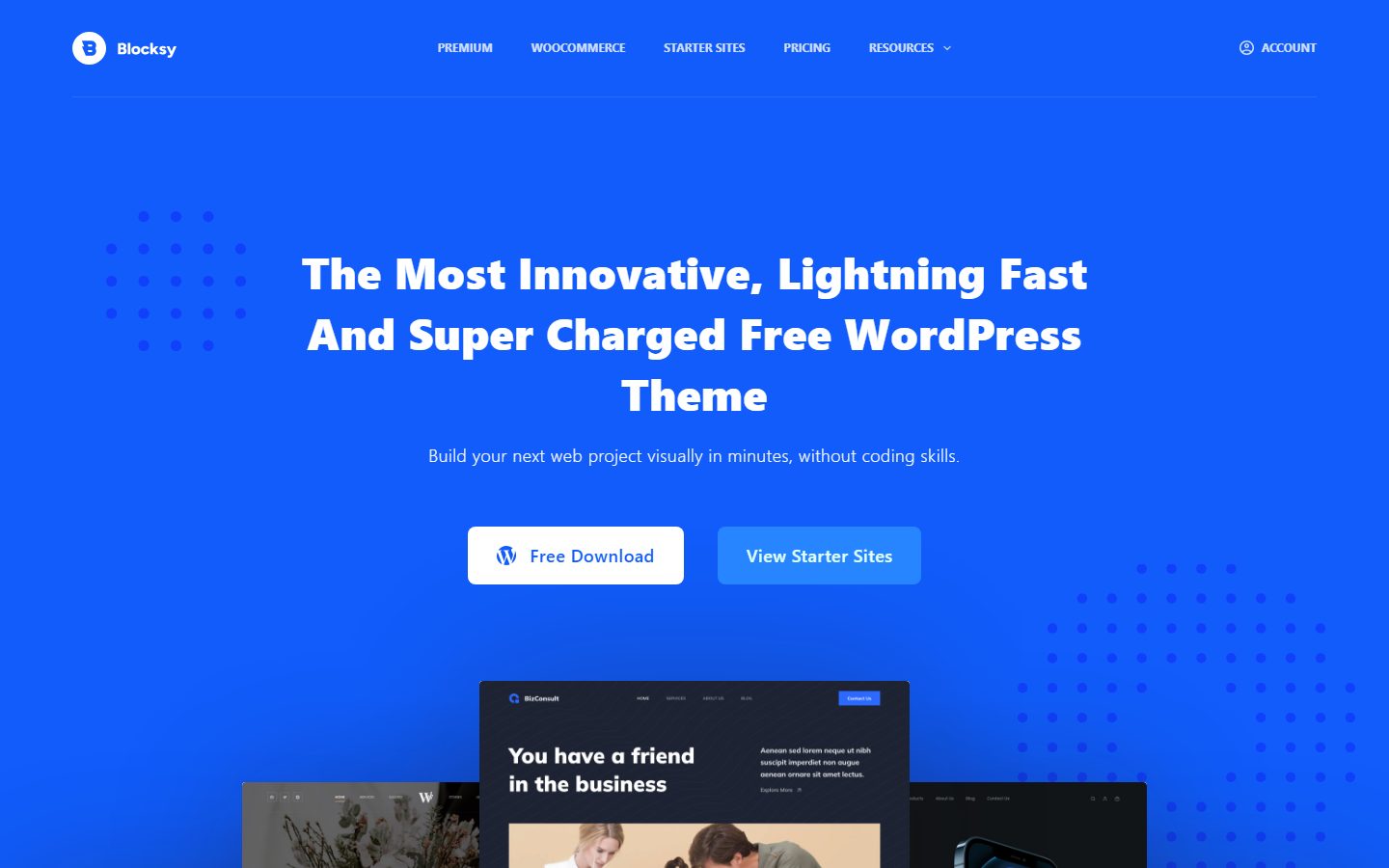
Kadence and Blocksy. Both are free themes with paid tiers, described in their listings as lightweight (Kadence) and fast and modern (Blocksy). Check how well each handles category archives and large post counts.
For related lists see best block themes and fastest WordPress themes.
A comparison checklist you can fill in
| Check | Theme A | Theme B | Theme C |
|---|---|---|---|
| Front page editable without code | |||
| Time to swap the lead story (clicks) | |||
| Sticky or featured post handling | |||
| Ad containers with reserved height | |||
| CLS with real ad code on mobile | |||
| LCP on front page and article (mobile) | |||
| Category archive layout and pagination | |||
| Byline, author page, related stories | |||
| Companion plugins needed | |||
| Update history |
Setup and migration steps
Before
Map your sections: which categories become front-page strips, which stay archive-only. Note every plugin that injects content into posts, such as ads, newsletter boxes and related-posts tools. Back up and create a staging copy (staging guide). Keep permalinks unchanged, since a large archive depends on stable URLs.
During
- Activate the theme on staging and set typography, colours and spacing.
- Build the article template first, since that is where most traffic lands.
- Build category archive templates, then the front page from query sections.
- Add ad containers with reserved heights and test with real code.
- Check search, 404 and author pages.
After
Monitor Search Console and your analytics for changes in crawl errors and engagement. Our internal linking guide explains how section pages feed article pages, which a redesign can disrupt.
Common mistakes and red flags
- Front pages that load dozens of images at full size.
- Ad containers without reserved space, causing jumps while reading.
- Pop-ups, sticky ads and cookie banners stacked on a phone screen.
- Infinite scroll that hides the footer and archive links.
- Choosing a theme with thirty homepage modules and using three.
- Putting the whole front page into a page builder, so editors cannot change it.
- Changing permalinks or category slugs during a redesign.
- No fallback image for posts without a featured image.
Cost and risk of switching later
Magazine sites carry the highest switching risk in this series because of volume. A site with thousands of posts and several authors depends on stable URLs, categories and templates. Core content moves easily. What does not move easily are theme-specific features: review boxes, custom homepage modules, shortcodes inside older posts and custom fields the theme used for bylines or sponsorship labels.
The search risk is real. Changes in heading structure, internal links or page speed can shift rankings. Keep URL structures stable, keep XML sitemaps current, and compare Search Console data before and after. Money cost depends on licences and on developer time to rebuild templates, so check each vendor’s licence terms. A theme that leans on core blocks and a few plugins you can swap is the cheapest to leave.
A one-afternoon evaluation plan on a staging copy
- Prepare content (20 minutes). Make sure staging has at least 30 posts across four categories, with some missing featured images.
- Build the front page (45 minutes). Recreate your intended layout in each theme using query sections. Pass: no custom CSS for the main layout.
- Editorial test (15 minutes). Swap the lead story and reorder a section. Pass: under two minutes, no developer help.
- Ads (30 minutes). Add the real ad code or a placeholder with the same dimensions. Pass: CLS at or under 0.1 on mobile.
- Measure (30 minutes). Run PageSpeed Insights on the front page, a category and an article. Pass: LCP at or under 2.5 seconds, INP at or under 200 ms.
- Archive stress (15 minutes). Open page 5 of a large category. Pass: pagination and layout hold up.
- Accessibility (15 minutes). Keyboard-test navigation and the lead story card.
Running a newsroom workflow on the theme
A magazine theme is only half of a publishing setup. The other half is how people work in it, and a theme can make that easier or harder. Before you commit, walk through a typical day. An editor writes a story, a second person checks it, a section lead chooses the front-page slot, and someone schedules the social post. Which of those steps does the theme touch?
The theme touches two: how the editor sees the story while writing, and how the front page picks it up. Check that the editor preview matches the live article, that featured image crops are predictable, and that sticky or featured selections do not need a developer. Roles and permissions are separate and belong to WordPress itself; see user roles and least privilege so contributors cannot publish or change templates. Editorial calendars, approval steps and newsletters are plugin territory, so list the plugins you need and confirm the theme styles their output before you decide.
How we will evaluate it
WPMusk has not run hands-on tests on any magazine theme yet. This page carries no score: it is guidance for choosing, not a measured result. In a full review we plan to build the same front page and article template on each theme using the same sample content, test ad containers for layout shift, and measure speed on the front page, category pages and articles. Scores will follow the weights above.
Questions people ask
Is a magazine theme heavier than a blog theme?
Often, because front pages show more images and links. A well-built one limits that with lazy loading and sensible image sizes.
Can I run ads without hurting speed?
Ads add scripts you do not control. Reserve space for them, limit the number and test on mobile.
Do I need a platform like Newspack?
Only if its publishing tools match your needs. Read its documentation for requirements and who it is intended for.
How do I stop the front page looking the same every day?
Use sticky posts, category queries and a manual lead slot, so a human picks the top story.
What about SEO for a news-style site?
Clear structure, fast pages, accurate bylines and dates, and clean sitemaps help. See the WordPress SEO guide.
Can a general block theme work as a magazine?
For a small publication, yes. Query Loop patterns can build sections. Add a magazine theme when the editorial workload outgrows that.
This is a buyer’s guide for a type of product. It is based on public documentation, not on hands-on tests, and it carries no score.
← All reviews