What a design system toolkit does in WordPress, who benefits from global tokens and shared components, and what to check.
What a design system toolkit does, in plain words
A design system toolkit is a set of shared design decisions that every page on your site, or every site you build, pulls from. Instead of picking a blue, a font size and a gap each time you place a button, you define them once as named values (often called tokens) and reuse them everywhere. Change the value in one place and the change spreads.
On WordPress, a toolkit usually takes one of three shapes. It can be a CSS framework delivered as a plugin, which generates variables and utility classes for you. It can be the global styles system built into your theme or page builder. Or it can be a hybrid: a plugin that writes variables, plus a library of reusable components in the builder. The goal is the same in each case: consistency, and less repeated styling work.
This page is a buyer’s guide to the category, not a verdict on any product. WPMusk has not run hands-on tests of the tools named here, so everything below about how they behave comes from the products’ own documentation or from web standards, and we say so where it matters.
How it works under the hood
Almost every modern toolkit rests on CSS custom properties, also called CSS variables. According to MDN, you define one with a double-dash name inside a rule, such as –main-bg-color on :root, and read it with var(). Custom properties follow the cascade and inherit, and you can supply a fallback value as the second argument to var(). Declaring them on :root makes them available to the whole page.
That mechanism is why a token change spreads. A button styled with var(–primary) follows whatever –primary currently equals, including inside a dark-mode block or a single section that overrides it.
The second building block is fluid sizing. MDN documents the CSS clamp() function, which takes a minimum, a preferred value and a maximum, so that a font size can grow with the viewport but never leave a readable range. MDN also advises that the maximum should be a relative unit and at least twice the minimum, so text can still scale to 200% when a visitor zooms. Toolkits that generate a fluid type and spacing scale are mostly generating clamp() expressions for you.
The third piece is delivery. A toolkit either writes its variables and classes into a stylesheet that loads on every page, or it relies on the editor’s native global styles. WordPress block themes use a theme.json file, which the developer handbook describes as a foundational piece of block theming used to configure settings such as colors and default typography, add front-end styling and register templates and patterns. Page builders keep their own equivalents, such as variables and classes stored in the builder’s settings.
Who needs one (and who does not)
You benefit from a toolkit if you build more than a handful of pages, if several people touch the design, or if you reuse the same look across client sites. Agencies and freelancers get the clearest payoff, because a new project starts from a known scale instead of a blank canvas. A site that will be redesigned in a year also gains: if the colors are tokens, the rebrand is an afternoon rather than a rebuild.
You probably do not need one if you run a five-page brochure site on a well-made theme and never plan to change it. The theme’s own color and typography settings already act as a small design system. Adding a framework with hundreds of utility classes to that site adds a learning curve with little return.
There is a middle case worth naming: solo site owners who like to tweak. A toolkit can help, but only if you are willing to learn its naming rules. If you will keep clicking custom values into individual elements, the system will drift and you will have paid for structure you do not use.
Types and approaches
The main architectures differ in where the design values live and how portable they are. The table summarizes the trade-offs in general terms.
| Approach | Where tokens live | Strengths | Watch out for |
|---|---|---|---|
| CSS framework plugin | A generated stylesheet of variables and utility classes | Works across builders, portable between sites, shared vocabulary for teams | Extra CSS on every page unless unused parts can be switched off; classes must be learned |
| Theme global styles (theme.json) | A file in the theme, editable in the Site Editor | Native to WordPress, no extra plugin, works with core blocks | Only as capable as the theme; moving to a different theme means redoing it |
| Page builder global settings | The builder’s own database settings | Visual controls, tight editor integration | Locked to that builder; exports may not carry over cleanly |
| Hybrid (framework plus components) | Variables plus saved reusable components | Fastest for repeat builds | Two layers to maintain; updates can touch many pages at once |
None of these is universally better. A theme.json approach suits a site built mostly from core blocks. A framework suits a builder that gives you strong class and variable controls. If you are still choosing the builder itself, our page builder comparison covers that decision first, because the builder constrains the toolkit.
What to look for
We weight criteria for builder add-ons as speed impact 30%, reliability 25%, support 20%, value 15% and ease of use 10%. The criteria below map to those weights.
Speed impact (30%)
Find out how much CSS the toolkit ships and whether it can drop what you do not use. A framework that outputs every utility class to every visitor adds bytes the page never needs. Core Framework, according to its own site, lets you remove unused modules to keep it lightweight, and Automatic.css documents a Pro Mode for disabling unused utilities. Ask each vendor how output is scoped, then measure it on a staging copy. Our Core Web Vitals guide explains which metrics a stylesheet change can move.
Reliability (25%)
Ask what happens when you update. A toolkit touches every page, so a renamed variable or a changed default can alter your whole site overnight. Look for a changelog that flags breaking changes, a way to pin or roll back versions, and clear migration notes between major versions. Automatic.css, for example, published a “Preparing for ACSS 4.0” notice, which is the kind of advance warning you want from any vendor.
Support (20%)
Because a toolkit is a vocabulary, documentation quality matters more than usual. Look for a searchable docs site, per-builder setup guides and examples of real patterns such as cards, grids and forms. Note whether the license controls features or only support and updates. Automatic.css documents that its license governs access to support and updates rather than switching the framework on and off, so an expired license does not break a live site. Confirm the same for any tool you consider.
Value (15%)
Count what you will actually use. A framework with a color generator, fluid scale and component editor is worth more to an agency repeating projects than to a single-site owner. Free options exist: Core Framework describes itself as a free, open-source plugin, and theme.json costs nothing. Compare the cost of the tool against the hours it saves, and check each vendor’s pricing page yourself for current terms.
Ease of use (10%)
Judge how quickly a new teammate can ship a page that matches the system. Good toolkits give you naming that explains itself, a visual panel for tokens and a way to see where a class is used. Poor ones need a cheat sheet taped to the monitor.
Builder fit
Check the support list for your builder. Core Framework lists Gutenberg, Bricks, Oxygen and Figma. Automatic.css lists, in its current documentation, Etch as a flagship integration along with Gutenberg, Bricks and others. A framework that does not integrate with your builder forces you to type class names by hand.
Portability and exit
Ask whether you can leave. Tokens stored as plain CSS variables survive a switch of tools far better than values stored in a proprietary format. Classes you have applied across 100 pages are the real lock-in, so check how class names are stored in your builder.
Real products to look at (examples, not rankings)
These are examples we verified exist and what their documentation says they do. They are not ranked or endorsed.
- Automatic.css (ACSS). Its documentation describes a CSS framework designed for WordPress page builders, with flexbox and grid utilities and variables, responsive utilities, button, card and form styling, and mixins. It lists Etch, Gutenberg, Bricks, Oxygen, Breakdance, Cwicly and GeneratePress with GenerateBlocks as supported. It fits builders who want a shared class vocabulary across projects.
- Core Framework. Described by its own site as a free, open-source plugin that builds a portable CSS framework visually, with variables and utility classes for design values, a color system that generates shades and tints, fluid typography and spacing calculators, and a component editor. It lists Gutenberg, Bricks, Oxygen and Figma. It fits people who want a framework without a license cost.
- WordPress theme.json and Global Styles. Not a product but the native option. The developer handbook describes it as the configuration file for block themes. It fits sites built on block themes and core blocks. See our block themes roundup for theme choices.
- Bricks global classes and variables. Bricks describes a design system of reusable classes, variables, palettes and Theme Styles editable inside the builder. It fits sites built in Bricks that do not need a separate framework.
- Stackable. Its wordpress.org listing describes a global design system for colors, typography and spacing, plus support for block theme styles and theme.json, on top of its block library. It fits core-block sites that want visual global controls.
The screenshots below show the homepage of one of these examples as captured in November 2026, so you can see how each vendor presents the product.
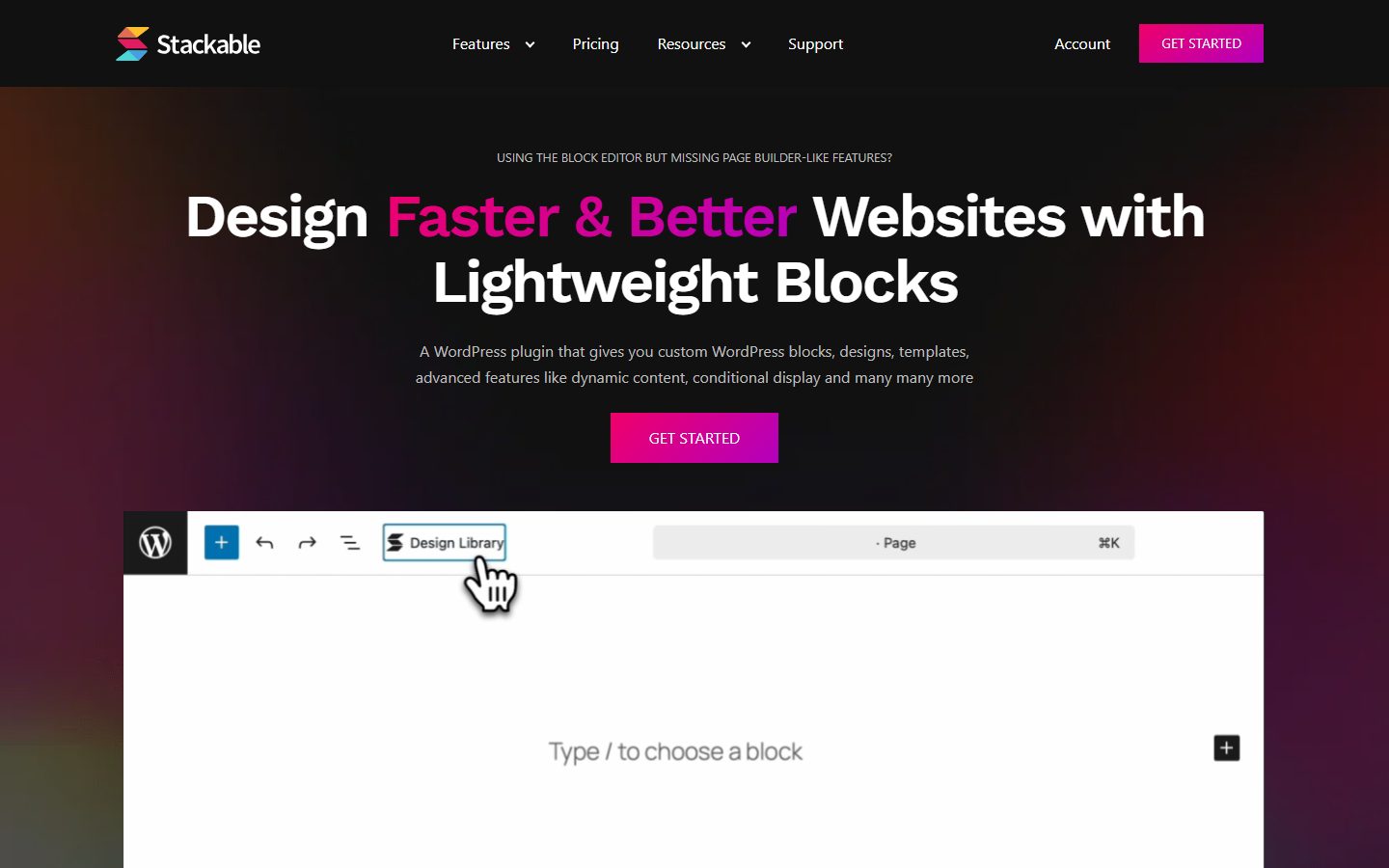
For a worked look at one framework in practice, see our Automatic.css guide.
A comparison checklist you can fill in
Copy this table into a note and score each shortlisted tool from 1 to 5. Add your own rows for anything specific to your projects.
| Question | Tool A | Tool B | Tool C |
|---|---|---|---|
| Supports my builder natively | |||
| Stylesheet size on a bare page (measured) | |||
| Unused CSS can be removed | |||
| Tokens are plain CSS variables | |||
| Breaking changes announced in advance | |||
| Expired license leaves the site intact | |||
| Docs cover my builder step by step | |||
| Fluid type and spacing scale included | |||
| Dark mode or variants supported | |||
| Cost for the number of sites I need |
Setup and migration steps
Before you start
Audit what you already have. Write down the colors, font sizes, spacing values and button styles that appear on your site. You will usually find several near-duplicates, such as three slightly different grays. Decide the single set you want to keep. Take a full backup and work on a staging copy; our staging guide explains how.
During the switch
Define tokens first: a small palette, a type scale, a spacing scale, a radius and a shadow. Name them by role (primary, surface, text) rather than by value (blue-500 is fine for a palette, but your semantic layer should say what it is for). Then rebuild one template, such as your header, using only tokens. Fix gaps in the system before touching other pages.
Convert pages in order of traffic. Replace hard-coded values with tokens as you go. Do not try to migrate every page in one sitting; an unfinished migration that is live is safer than a finished one that was never tested.
After the switch
Run a visual check on your top pages at phone, tablet and desktop widths. Compare page weight before and after. Document the naming rules on one page so that the next person follows them. Schedule updates for the toolkit on staging first, never straight on production.
Common mistakes and red flags
- Adding a framework and then overriding it with custom values on each element, which gives you the weight of the system without the consistency.
- Naming tokens after their current value, so that –blue is later changed to green.
- Creating dozens of one-off classes that duplicate each other.
- Choosing a tool that stores design values in a format only that tool can read.
- Updating a framework on a live site without a rollback plan.
- Fluid type with a maximum that is less than twice the minimum, which can fail zoom accessibility according to MDN’s guidance.
- Vendor pages that promise “perfect” scores with no explanation of how output is scoped.
Cost and risk of switching later
The real cost of a toolkit is not the license; it is the number of places you have applied its classes. A site with 10 pages can change toolkits in a day. A site with 300 pages, built with utility classes everywhere, may need a find-and-replace project and visual checks on every template.
You can lower the risk in three ways. Keep tokens as standard CSS variables so that they survive. Prefer semantic component classes for repeated patterns, so that you only edit a few definitions. And record which classes you rely on so that a migration script, or an agent, can map old names to new ones. Switching away from native theme.json is the cheapest exit, because it is just WordPress. Switching away from a builder-specific format is the most expensive.
If your team uses AI tools to build pages, a clear token vocabulary also makes generated pages more consistent; our AI landing page walkthrough touches on that workflow.
A one-afternoon evaluation plan on a staging copy
- Hour 1: clone and baseline. Copy production to staging. Record page weight, requests and the Lighthouse or PageSpeed result for your home page and one content page. See the PageSpeed Insights guide for reading the output.
- Hour 2: install and define. Install the candidate toolkit. Set a palette of six colors, a five-step type scale and a five-step spacing scale. Pass if you can finish this without reading more than the setup page.
- Hour 3: rebuild one section. Rebuild a hero or card grid using tokens only. Pass if no element needs a custom pixel value.
- Hour 4: stress the system. Change the primary color and the base font size. Pass if every element on the rebuilt section follows. Then check phone width and zoom to 200%.
- Hour 5: measure. Repeat the baseline test. Pass if page weight rises by an amount you can justify, and fail if unused CSS cannot be trimmed and the increase is large. Decide your threshold before you test.
- Final: exit test. Deactivate the toolkit on staging and see what breaks. A system that degrades gracefully is safer to adopt.
How we will evaluate it
WPMusk has not run hands-on tests of design system toolkits. For a full review we plan to install each tool on a clean test site, build the same component set, compare stylesheet size and page speed with and without it, and test an update and a removal. This page carries no score: it is guidance for choosing, not a measured result.
Questions people ask
Is a CSS framework the same as a design system?
No. A framework supplies variables and classes. A design system also includes rules, such as when to use each color and how components behave. A framework is a tool for building one.
Can I use theme.json and a framework together?
Often yes, but pick one source of truth for colors and type sizes. Two competing palettes lead to confusion in the editor.
Will a framework slow my site?
It can add CSS, and whether that matters depends on how much it ships and whether unused parts can be removed. Measure it on staging rather than relying on a vendor claim.
What happens to my styling if my license expires?
It depends on the product. Automatic.css documents that its license controls support and updates, not whether the framework works. Check the terms of any tool before buying.
Do I need to know CSS?
Not to start, but understanding variables and the cascade helps a lot. The MDN pages on custom properties and clamp() are enough background.
Is a toolkit worth it for one site?
Sometimes. If you plan to keep adding pages or expect a redesign, yes. If the site is small and static, your theme’s global settings are enough.
This is a buyer’s guide for a type of product. It is based on public documentation, not on hands-on tests, and it carries no score.
← All reviews