The canvas isn’t going away. Who holds the brush is.
Every time a new AI tool can produce a web page from a sentence, someone declares the page builder dead. The reasoning sounds neat: if you can describe a page and receive one, why would you drag blocks around a canvas? The builder, the argument goes, is a transitional technology, a visual crutch for a time when software could not understand intent.
The thesis of this essay is the opposite. Page builders will not die. They will turn into copilots: the place where AI output lands, gets inspected, gets corrected and gets constrained. The canvas, the design system and the structured content model were never only about dragging. They are what makes a page editable, consistent and maintainable, and an AI assistant needs exactly those things. A generated page that you cannot easily change is a liability, and the builder is how you change it.
What the builders are already doing
The clearest evidence is that the major builders are not waiting to be replaced. They are building the assistants themselves.
Elementor’s own page on AI says “Generate full Elementor pages with AI,” and describes Angie building pages from prompts as “real, structured Elementor content,” covering full pages, design systems, forms and loops. It adds: “Everything stays fully editable, yours to shape.” Elementor’s introduction of Angie, originally published in March 2026 according to the page’s metadata, describes it as agentic AI built for WordPress that “understands your site, connects to your tools, and takes real actions on your behalf,” with its first capability, Angie Code, available free on the WordPress plugin repository. It also says everything Angie creates runs first in a test-mode environment that is separate from the live site.

Divi’s page for Divi AI makes a similar claim: that it can “create entire website and pages with a simple prompt” and write code and custom CSS within the visual builder, and it describes a newer agent that builds and manages sites from natural-language instructions.
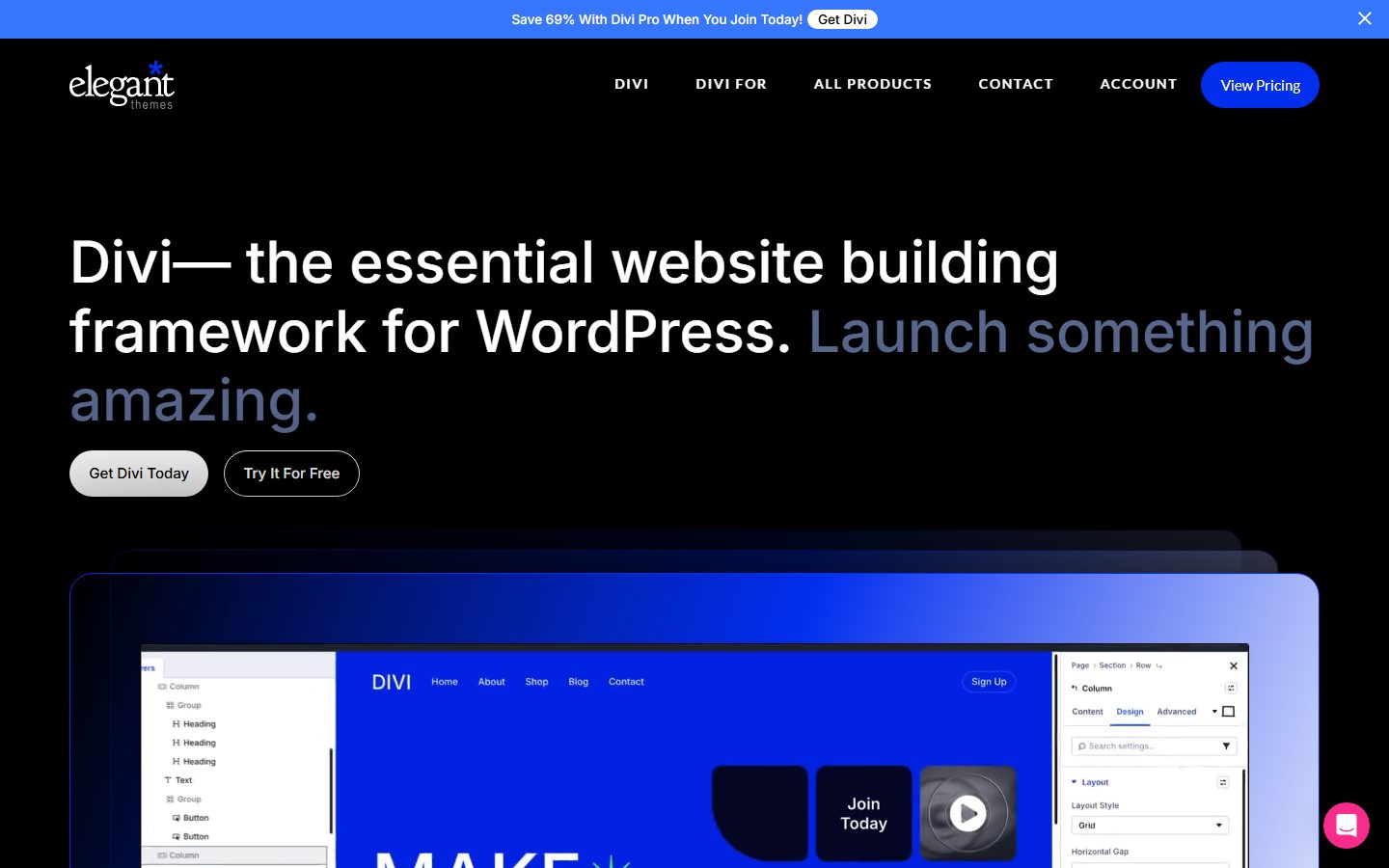
These are vendor claims, and you should treat them as marketing until you have tested the products on a real site. We have not tested them. But the direction is not in doubt: the builders chose to put the assistant inside the builder, and to emphasize that the output remains editable. That is a statement about what they think the builder is for.
Why generated pages need a place to land
Think about what happens after a prompt returns a page. The result is almost never final. The headline is slightly off, the spacing needs adjusting, the third section should be moved, the colors should match the brand. Someone has to make those corrections.
You can make them by prompting again, and sometimes that is faster. But prompting is a poor way to make a small, exact change. “Move this button 8 pixels left” is easier to do by hand than to describe. A visual editor is the right tool for precise adjustment, and it is the right tool for showing you what the assistant did.
That is the core of the copilot idea. The assistant drafts; the builder is the shared surface where a person reviews, edits and approves. Without that surface, the options are to accept the output blindly or to regenerate until it looks right. Neither is how professionals work.
Structure is what makes AI output safe to keep
A page is not a picture. It is a tree of structured elements with settings, global styles, responsive rules and links to content. The reason an assistant can work with a builder at all is that the builder gives it a structure to target.
That structure also keeps the output consistent. A builder with a design system, with defined colors, type scales, spacing and reusable components, gives an assistant guardrails. A generated section can be built from the site’s own components, instead of from whatever styling the model invents. This is the difference between a page that looks like your site and one that looks like a generic template.
It is also why the framework and design-system approach matters. If you want AI-assisted pages that stay on brand, you need the brand expressed in a form that both a person and a machine can read. Our guide to the Automatic CSS framework describes one way of doing that, and our review of Etch looks at a builder designed around structure and code instead of drag-and-drop alone.
The strongest argument for the funeral
The best case against this thesis deserves a fair statement. It runs like this: builders exist because writing HTML and CSS is hard. If an AI writes the code, the intermediate layer, the visual editor, is overhead. You describe the page, you get clean code, and you skip the proprietary abstraction. Builders have a reputation for bloat and for lock-in, so removing them looks like an improvement.
There is something to this. For some uses, particularly small custom features, snippets and one-off pages, going from a description straight to code is attractive. Elementor’s own Angie Code, which generates widgets, snippets and small custom features from a description, is a sign that the code-first route is real. And a site built from clean code does avoid some of the performance and portability problems that critics associate with builders.
But the argument carries two hidden assumptions. First, that whoever owns the site can read and maintain the generated code. Most small business owners and many freelancers cannot, and cannot easily judge whether it is correct, secure or accessible. Second, that the output stays put. Sites change, and every change is another round of generation, with the risk that the assistant rewrites something you liked. A visual layer with defined structure is a stable thing to edit. Raw generated code is a moving target.
So the code-first path will grow, and it will suit developers. The visual path will continue to suit everyone who needs to see and change the result without reading it.
What changes, and what does not
None of this means builders stay as they are. The job shifts.
- Less initial drag-and-drop, more review. The first draft of a page increasingly comes from a prompt. The human work moves toward checking and refining it.
- Design systems become central. Global styles, variables and components are what keep generated pages consistent, so they matter more than a library of ready-made templates.
- Constraints become a feature. A builder that lets you say what the assistant may and may not change, and which components it may use, is more useful than one that lets it do anything.
- Audit trails matter. When an assistant edits a page, you need to see what changed and be able to undo it.
- Templates lose value, components gain it. A prompt can produce a layout. What it cannot produce is your brand’s tested, accessible component library.
What stays is the principle behind the builders: ordinary people should be able to shape a website visually and see the result at once.
Who benefits most from the copilot model
The shift is not equal for everyone. Freelancers and agencies stand to gain the most, because they already work from repeatable systems: a set of components, a style guide, a handover process. An assistant that builds from those components turns a day of assembly into an hour of review. The value of the freelancer moves from putting pieces together to deciding which pieces, and judging the result.
Small business owners gain differently. They can get a credible first draft without hiring anyone, then adjust text and images on the canvas themselves. The risk for them is accepting the first draft because it looks finished. A page can look polished and still have the wrong message, a confusing structure or poor accessibility.
Developers may prefer to skip the visual layer and work in code, and they are right to do so when the project suits it. But even they often hand a site to a client who needs to edit it. That handover is where the builder earns its place, whatever produced the first draft.
The risks of a copilot nobody supervises
A copilot is useful because a person is still flying. The risk is that fast generation tempts people to skip the review.
Generated pages can have accessibility problems, such as missing alt text, poor heading order or weak contrast. They can produce bloated markup, or make claims on your behalf that are wrong. They can quietly pull in styling that conflicts with the rest of the site. None of that is certain, and it will vary by product and prompt, but each is a reason to review before publishing.
Live-site safety is a separate matter. Letting an assistant edit pages on a production site raises the same questions as any automation. Our piece on an AI agent staging workflow argues for doing the work somewhere safe first, and our article on the security risks of AI agents lays out why permissions should be narrow. Elementor describing a test-mode environment for Angie’s creations is consistent with that advice.
What this means if you build or run a WordPress site
You do not have to pick a side in an argument about the future. You can make choices now that hold up either way.
- Choose a builder for its structure, not its template count. Look for global styles, variables, reusable components and clean output. These are what an assistant and a human both depend on.
- Build your design system first. Define colors, type, spacing and key components before asking an assistant for pages. It will give you consistent results instead of generic ones.
- Test AI features yourself. Generate a page on a staging site, then try to edit it, change the brand colors and make it accessible. That tells you more than a demo video.
- Check what is editable. Confirm that the output is native builder content, not an opaque block of code or an image.
- Keep a human review step. Treat every generated page as a draft. Check headings, alt text, links and mobile layout before it goes live.
- Keep the site portable. Know how you would leave a builder if you needed to. Our page builders compared guide and our comparison of Bricks and Elementor are good places to start thinking about that.
- Do the work on staging. Whatever the assistant produces, review it on a copy first.
If you want to connect an assistant to your site more directly, our explainer on the WordPress Abilities API covers how WordPress is exposing safe, defined actions to AI tools, which is the other half of this story: the builder as interface, and the Abilities API as permission layer.
Conclusion
Page builders were never only about dragging things around. They are structured editors with a design system and a visual surface, and those are precisely what an AI assistant needs to produce work that stays editable, consistent and reviewable. That is why the builders are building assistants into themselves, and why they stress that the output stays editable.
Some of what builders do today will be done by a prompt. The first draft will come faster, and the code-first path will serve developers well. But someone still has to look at the result, change it, and answer for it. The builder, as the place where that happens, is not going away. It is becoming the cockpit.