A landing page has one job: get a visitor to take one action, such as joining a list, booking a call, starting a trial or buying. A landing page builder is a tool for making those pages quickly. It gives you ready-made page templates, blocks for headlines, offers, testimonials and forms, and often a way to hide the usual site navigation so nothing distracts from the action.
Many builders also add campaign tools: coming soon and maintenance pages, countdown timers, opt-in forms, and split testing, which shows different versions of a page to different visitors to see which converts better. Whether those extras live inside the builder or in a separate plugin is a key buying question.
This is a buyer’s guide to the category. WPMusk has not run hands-on tests of the products named here, so descriptions come from vendor pages and wordpress.org listings. We name examples, we do not rank them, and we do not quote prices.
On WordPress, a landing page is usually an ordinary page that uses a special template, either the builder’s own full-width canvas or your theme’s blank template. The builder stores the layout in the database and renders HTML and CSS when the page loads. Some products create a separate page type, so that landing pages sit outside your normal page list.
The speed of the page depends mostly on what the builder outputs and what you add. Google’s web.dev defines Largest Contentful Paint as the time at which the largest image, text block or video in the viewport finishes rendering, with 2.5 seconds or less considered good at the 75th percentile. On a landing page the largest element is usually a hero image or headline, so a heavy hero, a slow font or a delayed script can set your score. Our Core Web Vitals guide covers how to read it.
Split testing works by assigning each visitor to a version, remembering the assignment (usually with a cookie), and recording whether they reach a goal such as a form submission or a button click. A tool needs enough traffic and time to separate a real difference from chance. Elegant Themes’ own documentation for Divi Leads, for example, describes choosing a subject and a goal for each test, and states that stats update hourly by default and are cached in the database. Other tools handle it differently.
A landing page builder pays off if you run paid ads, email campaigns or launches where a page needs to be live quickly and tweaked often. Agencies that deliver many small campaign pages also benefit from a template library.
You may not need a dedicated tool if you already use a full page builder or block editor that can produce a clean, distraction-free page. A blank page template, a few well-built blocks and a form plugin cover most one-off pages. A dedicated landing page tool earns its place when you need repeatable templates, built-in testing or non-technical staff creating pages without a developer.
If you have little traffic, split testing will not tell you much: with a few visits a week, results stay inconclusive for a long time. Spend that effort on writing a clearer offer instead.
| Approach | How it works | Strengths | Trade-offs |
|---|---|---|---|
| WordPress plugin builder | Pages live on your site, built with the plugin | Data and domain stay yours; single admin | Your host and theme affect speed |
| Full page builder used for landing pages | Same builder as the rest of the site | One tool to learn; shared design | Testing may need an extra plugin |
| Block editor with patterns | Core blocks plus a library | Lightest option; native | Fewer ready-made campaign features |
| Hosted landing page service | Pages hosted by a third party, connected by domain or plugin | Testing and analytics included; often fast hosting | Monthly cost; data and pages off-site |
| Funnel builder | Landing, checkout, upsell and thank-you pages as a sequence | Sales flows in one place | More moving parts; ecommerce focus |
Our weights for builder add-ons are speed impact 30%, reliability 25%, support 20%, value 15% and ease of use 10%.
A landing page that loads slowly wastes ad spend. Build the same simple page in each candidate and measure it on staging. Check whether the hero image is eligible for priority loading, whether it is accidentally lazy loaded, and how many scripts and fonts load. The PageSpeed Insights guide explains how to interpret the report, and the speed optimization guide covers fixes.
Landing pages need to be up on launch day. Check how templates behave with caching plugins, whether the page stays editable after theme or plugin updates, and whether the builder offers draft previews and revisions. Test the form flow end to end, because a broken form means lost leads without any visible error.
Look at documentation depth for tracking and integrations, since that is where launches stall. Check that support is available to your plan and read recent forum answers.
Work out which features sit on which plan: templates, forms, testing, integrations and number of sites. A cheaper builder that needs three extra plugins for testing, forms and popups may cost more in effort than an all-in-one option. Check vendors’ pricing pages directly for current figures.
Judge how quickly someone who is not a developer can duplicate a template, change the offer and publish. Mobile editing, reusable sections and a clear preview all count.
If testing is built in, find out what you can test (whole pages, sections, headlines), how goals are defined, how winners are chosen and whether results are visible without outside tools. If it is not built in, look at an add-on. According to its listing, Nelio A/B Testing tests pages, posts, headlines, menus, WooCommerce products, custom code and popups, and its free plan covers up to 500 tested page views a month, shared across tests. Verify current limits on the plugin page.
Landing pages usually carry analytics and ad pixels. Check that the builder lets you add them cleanly, and think about consent: scripts that set cookies may need a consent banner depending on your audience. Make sure the page can still pass your cookie and privacy checks.
If your page uses a popup, note Google’s guidance: dialogs that cover the content, mainly for promotional purposes, are a problem on mobile, while small banners that take up a fraction of the screen are acceptable. Keep this in mind if popups are part of your plan.
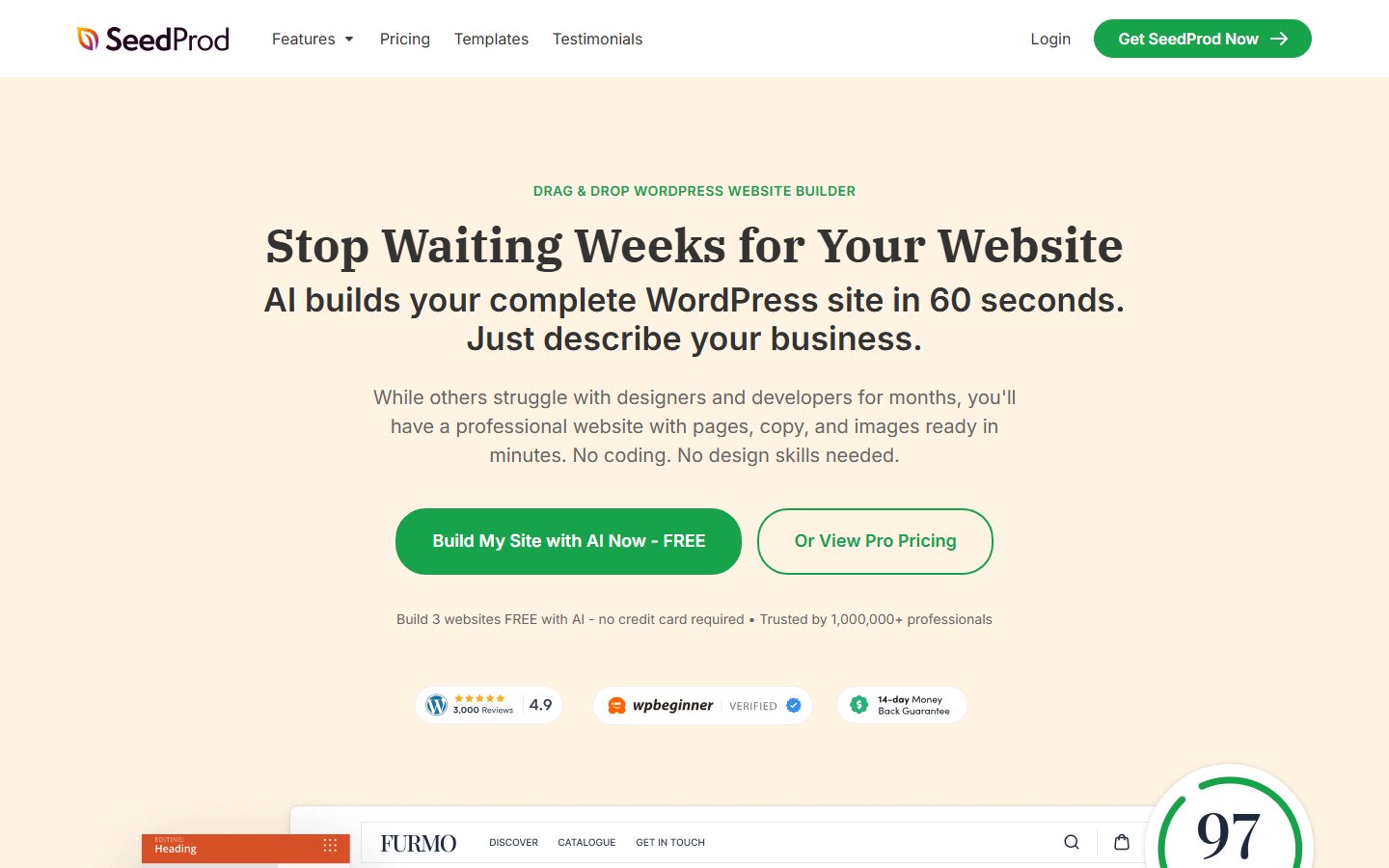
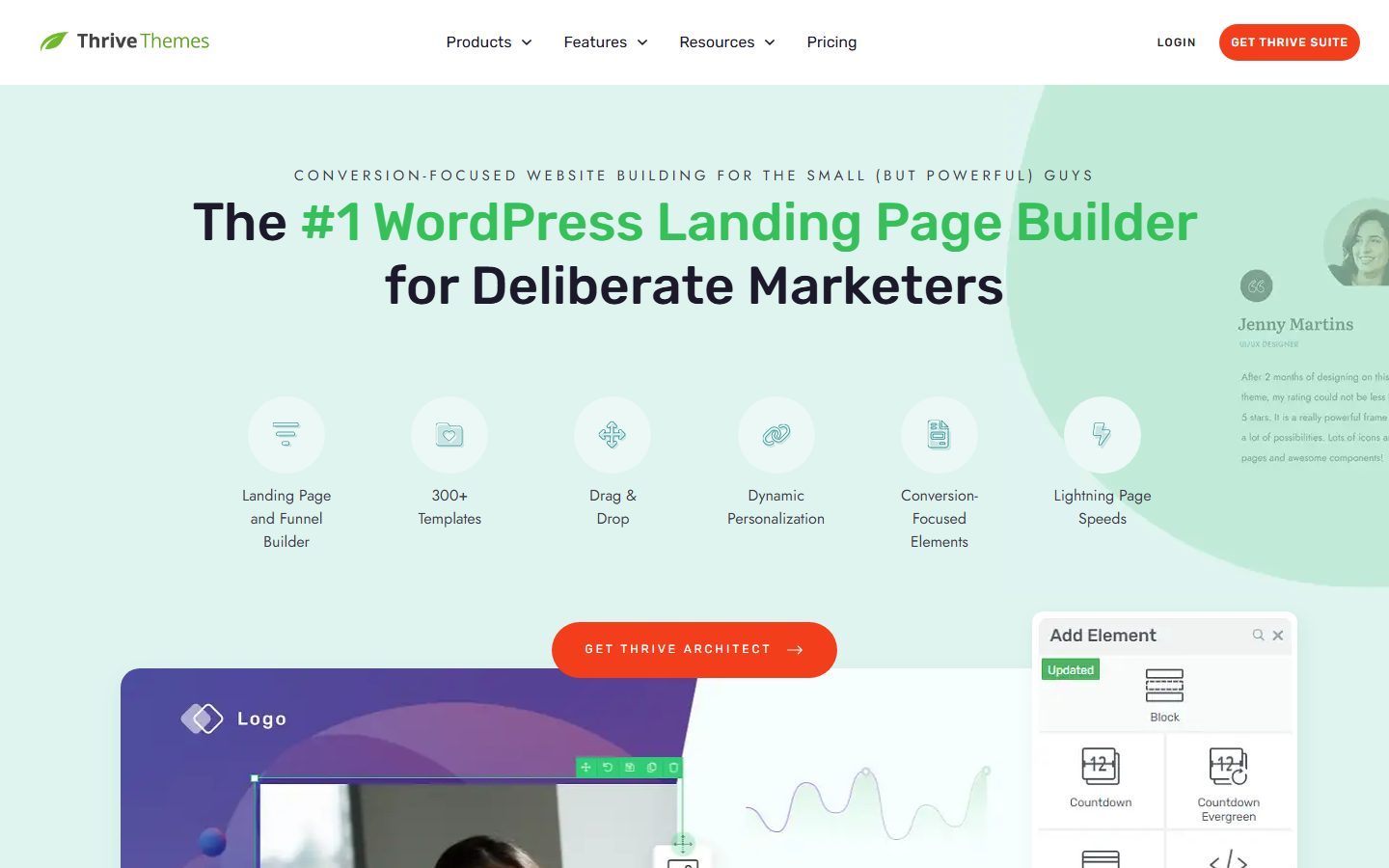
The screenshots below show the homepage of two of these examples as captured in November 2026, so you can see how each vendor presents the product.
Elementor’s help pages we reviewed do not mention built-in A/B testing, so check its current documentation if that matters to you.
| Question | Tool A | Tool B | Tool C |
|---|---|---|---|
| Landing page template on my theme or standalone canvas | |||
| Mobile PageSpeed score of a bare test page | |||
| Hero image priority loading possible | |||
| Built-in A/B testing, or add-on required | |||
| Goals I can track (form, click, purchase) | |||
| Forms and email integrations on my plan | |||
| Works with my cache plugin | |||
| Consent and pixel handling | |||
| Template library fits my niche | |||
| Exit: pages usable without the plugin |
Define the single goal for the page and how you will count it. Decide the traffic source, since an ad click from a phone behaves differently from an email click on a desktop. Gather copy and assets: headline, offer, proof, form fields and a thank-you message. Back up the site.
Build the page on staging from a template, then strip it down. Remove navigation, extra links and anything that does not support the goal. Add the form, set up notifications and connect your email or CRM tool. Add analytics and test every tracking event. If you plan to test variants, create variant B only after the first version is stable. Our staging guide helps you move the finished page live.
Publish, then submit the form yourself and confirm every step: confirmation, email, CRM entry and analytics event. Monitor real-user speed for the first few days. Let tests run until you have enough conversions to judge, rather than stopping at the first good-looking number.
Switching builders means rebuilding pages by hand in most cases, because layouts are stored in each tool’s own format. A handful of campaign pages are cheap to rebuild. A library of hundreds is not. If pages are tied to an old campaign, you can often let them live until the campaign ends and build new ones in the new tool.
Hosted services add a different risk: your pages live on someone else’s platform, so a price change or shutdown affects you directly. Keep copies of your copy, images and form settings, and keep tracking IDs in a document of your own. Wherever possible, keep conversions flowing to tools you control, such as your email platform, rather than to a builder’s internal list. If you use an AI assistant to draft pages, see our AI landing page walkthrough and apply the same checks.
WPMusk has not run hands-on tests of landing page builders. In a full review we plan to build the same page in each tool on a clean test site, measure speed, run a split test with simulated traffic where the tool supports it, and check form and tracking behavior. This page carries no score: it is guidance for choosing, not a measured result. Use this page to shortlist, not as a verdict.
Not necessarily. A full builder can make landing pages. What you may lack is built-in testing or campaign templates, so check those first.
Enough conversions on each variant to see a real difference. With low traffic, test big changes, or skip testing and refine the offer.
Not by itself. Slow pages and thin content can. If a page is only for paid traffic, you may choose to keep it out of search results; our SEO guide covers indexing choices.
Usually a path or subdomain of your domain keeps trust and cookies consistent. A separate hosted domain is possible but adds tracking steps.
It can, if a cache serves the same version to everyone. Test with your cache on, and follow the testing tool’s documentation for cache exclusions.
Some builders include one. Keep it simple, use a noindex setting if the site is not ready, and remove it at launch.