A restaurant theme is a WordPress theme whose layouts are built around the questions a hungry visitor asks in the first few seconds: what do you serve, are you open now, where are you, and how do I book or order. It ships page designs for a menu, opening hours, a location with a map, a gallery, events and a contact or booking area.
Most of these visits happen on a phone, often from someone standing on a street deciding where to eat. A theme earns its place by putting the address, hours, a tap-to-call button and a booking link on the first screen, not under a full-height photo.
It helps to be clear about the division of labour. A theme controls appearance and page structure. Features such as taking reservations, selling food online or running an events calendar usually come from plugins or from outside services. A theme can look like it does all of that and still depend on add-ons you must buy, install and keep updated. Much of choosing well is finding out which parts are really in the theme and which are borrowed.
Modern WordPress themes come in two broad forms. A block theme (sometimes called a full-site-editing theme) defines its header, footer, templates and styles with blocks and a theme.json settings file, so you edit the whole site in the Site Editor. A classic theme uses PHP template files and, usually, a customizer or a bundled page builder. The WordPress.org theme directory has a dedicated block themes listing, so you can browse that kind of theme at no cost. Our guide to block themes explains the difference in more detail.
Restaurant-specific content such as dishes and hours can be stored in three ways:
Hours deserve the same scrutiny. If they are typed into a paragraph, search engines and your own staff have no structured way to update them. If they sit in a settings field that feeds the header, the footer and structured data, one edit changes every place at once.
Independent restaurants, cafes, bars, food trucks, bakeries and caterers with no web designer will reach a working site faster from a themed starting point. Small hospitality groups with several locations benefit from consistent templates they can copy for each address.
If all you need is a single page with a menu, hours and a phone number, a plain lightweight theme plus a few well-written blocks is enough, and a specialised theme adds weight you do not need. If you sell meals for delivery at volume, you are running a shop rather than a brochure site; start with the WordPress ecommerce guide. Restaurant groups with a strict brand identity usually commission custom design.
Restaurant themes fall into a few patterns. The table compares them by what you get and what you give up.
| Approach | How menus and hours work | Strength | Trade-off |
|---|---|---|---|
| Theme with built-in menu post type | Dishes are entries in the theme | Fast to start, tidy admin screens | Content locked to the theme; switching later means re-entry or custom migration |
| Block theme with patterns | Menu is built from standard blocks | Portable, editable in the Site Editor | Edits are manual; no filtering or search of dishes |
| Theme plus menu plugin | A separate plugin stores dishes | You can change themes and keep the menu | Two products to keep updated and compatible |
| Theme plus external booking or ordering service | Widget is embedded from a vendor | Vendor handles table logic or payments | Extra scripts, vendor fees or dependencies, data held elsewhere |
We weigh themes on five criteria: speed impact 30%, reliability 25%, support 20%, value 15% and ease of use 10%. The sections below tie each to the restaurant case.
Food photography is heavy and a restaurant homepage is nearly all images. Check how the theme handles them: responsive image sizes, modern formats and sensible dimensions. Google’s Largest Contentful Paint guidance on web.dev sets a good result at 2.5 seconds or less for at least 75% of visits, and warns that lazy-loading the main above-the-fold image delays it. So ask whether the hero image is excluded from lazy loading, and avoid themes that default to autoplay video or heavy sliders. Our Core Web Vitals guide shows how to read your own numbers, and image optimisation covers the files themselves.
Look at the release history on the theme’s page. A theme that is updated for new WordPress releases, with a changelog you can read, is a safer bet than one untouched for a year. Also ask how it behaves when a reservation or events plugin updates, since those are the integrations that break most visibly.
Check that documentation covers the tasks your staff will actually do: change a price, add a seasonal dish, set holiday hours. For a free directory theme, support is typically a public forum; for a commercial one, find out the channel, the hours and whether support is limited to the licence period.
List what is included and what needs a paid add-on: menu templates, reservations, multi-location support, demo content import. Read how long updates and support last under the licence, and what renewal costs. Check the vendor’s pricing page yourself, because prices change.
The person who will edit the site is probably a manager or chef, not a developer. Ask whether changing a dish, price or opening hours is possible without touching layout. If editing needs a page builder with many nested panels, expect mistakes.
Prefer a menu that is real text, not an image or a PDF. Text is readable on small screens, can be translated, works with screen readers and can be found by search engines. Check for sections, descriptions, price formatting and allergen or dietary labels. Allergen information in particular can have legal requirements in some countries, so confirm what applies to you rather than relying on a theme’s defaults.
Google’s structured data documentation for local businesses lists name and address as required, and recommends fields including opening hours, telephone, menu link, price range and the cuisine served. A theme rarely outputs all of that on its own; usually an SEO or schema plugin does, fed by the data you enter. Check that the theme shows name, address and phone as plain text and that headings are clean. See schema markup for WordPress and the WordPress SEO guide.
Text over photos needs enough contrast to read, and tap targets should be large. Google Fonts loaded from a third party can raise privacy questions in some regions; see how to self-host fonts.
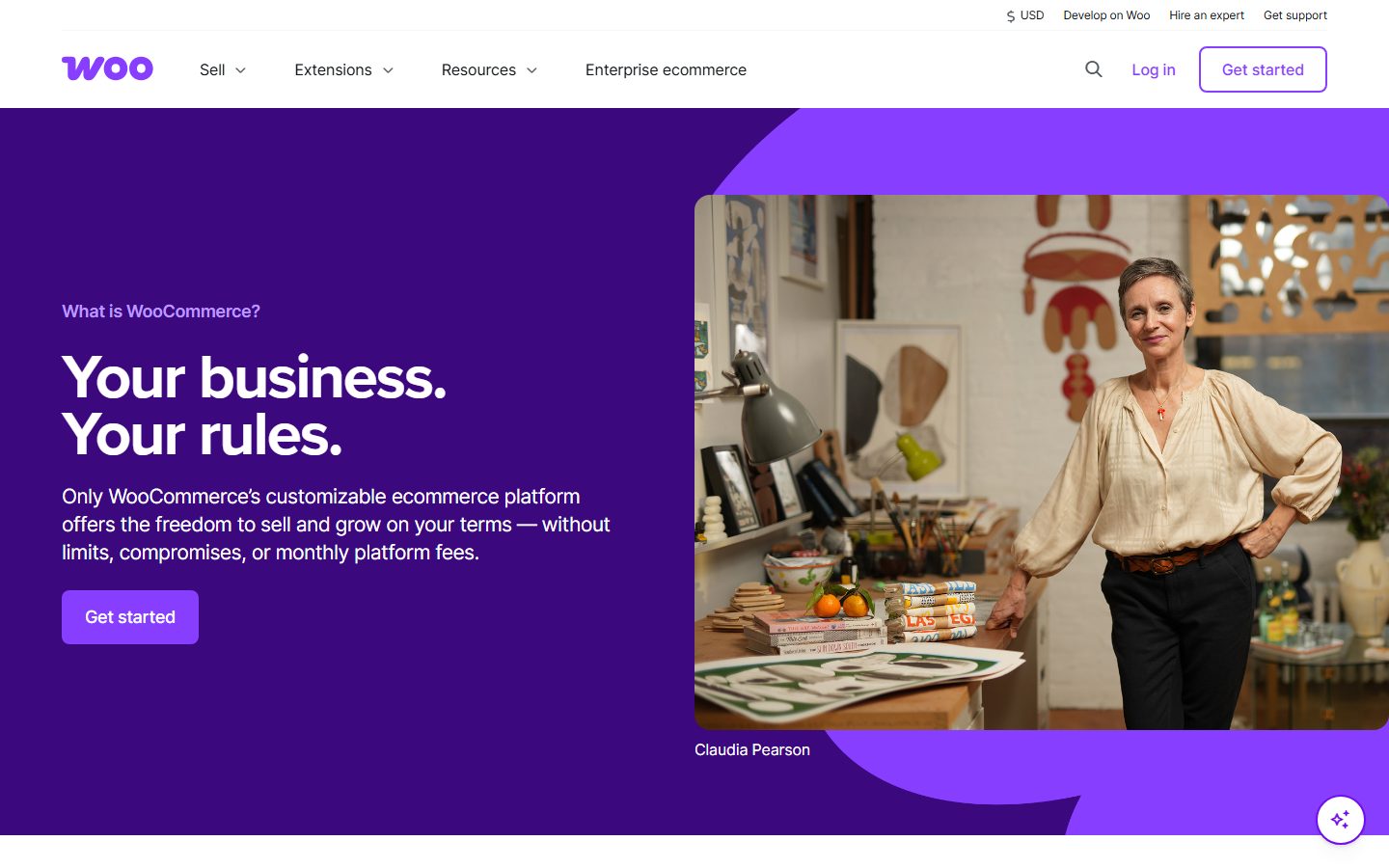
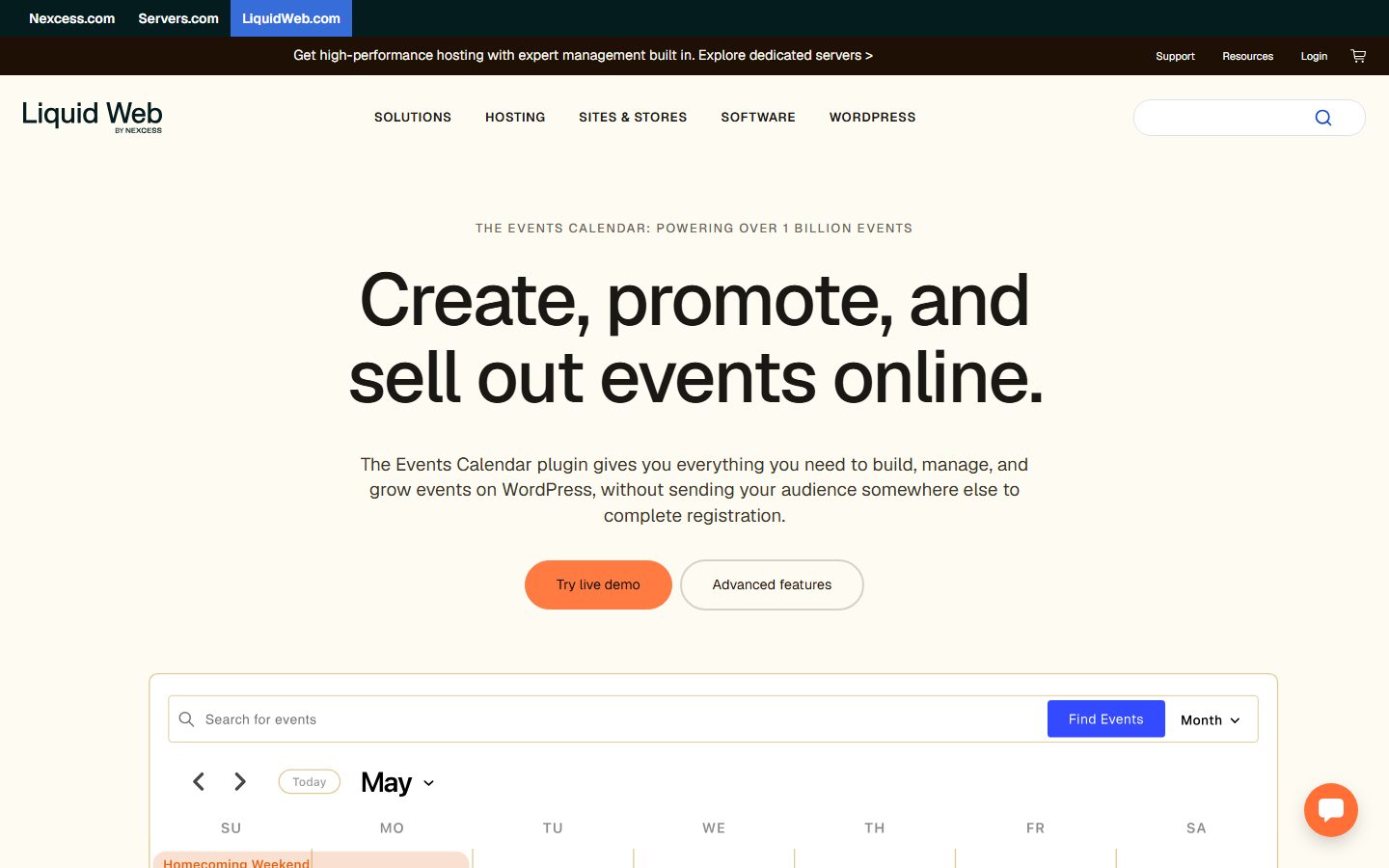
These are examples of tools you will meet while comparing, not a ranking. Each description comes from the vendor’s or directory’s own documentation, read while preparing this guide.
The screenshots below show the homepage of two of these examples as captured in November 2026, so you can see how each vendor presents the product.
For booking tools more broadly, compare options in our booking plugins roundup.
Copy this table for each theme on your shortlist and complete it from the vendor’s documentation and a demo, not from the marketing page.
| Question | Theme A | Theme B | Theme C |
|---|---|---|---|
| Block theme or classic? | |||
| Menu stored as text? Where? | |||
| Hours editable in one place? | |||
| Reservation method and who owns the data | |||
| Hero image excluded from lazy loading? | |||
| Last update date and changelog | |||
| Required plugins (list them) | |||
| Licence length and renewal terms | |||
| Mobile call and directions buttons | |||
| Can staff edit a price in under two minutes? |
Take a full backup (see backup plugins) and export your menu content to a spreadsheet, because custom menu types can vanish from view when a theme changes. Write down your current opening hours, address and booking links so you can check them against the new site. Build and test on a copy; the staging site guide shows how.
Install only the plugins the theme genuinely requires. Import demo content on staging, not on the live site, since demo imports can overwrite pages and settings. Recreate the menu, then set hours and contact details, then connect the booking tool. Place the call button, address and booking link on the first mobile screen.
Make a real booking and confirm the email arrives at an address that someone reads. Check that old URLs, especially the menu page, still resolve or redirect. Re-submit your sitemap in Search Console (see Search Console for WordPress) and confirm your business profile on Google lists the same hours.
The expensive part of changing themes is not the theme; it is the content tied to it. Menu items in a custom post type, shortcodes in page content and builder-specific layouts all have to be rebuilt or converted. Choosing a theme that stores the menu in a plugin or in standard blocks lowers that cost. Reservation data is the other trap: if bookings live with an outside service, ask how to export your customer list before you need to leave.
Budget for yearly licence renewals if the theme is commercial, and plan a review every year or two. For ongoing upkeep see the maintenance checklist.
WPMusk has not run hands-on tests of restaurant themes. This page is a buyer’s guide, drawn from vendor documentation and standards, not a test report. When a full review is published we plan to install each theme on the same clean site, measure page weight and loading on a mobile profile, edit menus and hours as a non-developer would, and test the reservation flow, then score against the weights above. This page carries no score: it is guidance for choosing, not a measured result.
Any good theme can work if you build the menu and hours yourself. A restaurant theme saves time on layouts and templates, but check what it locks you into.
Some plugins offer a free tier that stores bookings in your dashboard, and the Five Star plugin’s page describes a free version. Third-party services may charge fees; check their current terms.
It is a fallback. Text on the page is easier to read on phones, easier to update and better for search and accessibility.
Store them in one place that feeds the header, footer and structured data, and update your Google business profile whenever they change.
It can, mostly through large images, sliders and bundled plugins. Test on mobile before you commit, and see our speed optimisation guide.
Only if the menu does not depend on the old theme’s custom post type. Ask the vendor where menu data is stored, and keep a spreadsheet export as insurance.