A developer-focused page builder is a visual editor that treats a web page the way a front-end developer does. You work with real HTML elements, reusable classes, variables and dynamic data, and the builder shows you or lets you control the code it produces. The target user is someone who knows what a div, a class and a CSS variable are, and who gets annoyed when a tool wraps every element in five extra layers.
Compare that with the older drag-and-drop style, where the promise is that no one needs to know any of this. Developer-focused builders keep the visual canvas but expose more of the machinery. The trade is a steeper learning curve for more control and, vendors argue, cleaner output. This guide helps you decide whether you want that trade and how to test it. It is not a ranking, and WPMusk has not built a site with any of these tools for this page.
All page builders have to answer one question: where does the design live and how is it turned into a web page? There are three common answers.
The things that matter to a developer are also what separate these builders: a class and variable system, nesting that maps to real HTML, query loops for dynamic content, conditions, custom code hooks and the ability to export or reuse components. Output quality depends on all of it, and on how you build. A builder that can produce clean markup can also produce a mess in the wrong hands.
Consider a developer-focused builder if:
It is less suitable if the site will be edited mostly by non-technical clients who expect a very simple interface, or if you do not want to learn a design system. In both cases a simpler editor from the page builders compared guide may serve better.
| Approach | Examples of the idea | Strength | Trade-off |
|---|---|---|---|
| Theme-based visual builder | A builder that is also your theme | Full control of templates, header and footer | Tied to the theme; switching later is a rebuild |
| Plugin-based visual builder | A plugin that works with a theme or on its own | Flexible to install and to combine | You must decide how it meets your theme |
| Block-native development environment | Visual tool that outputs core blocks | Content stays readable by WordPress | Newer ecosystem; fewer ready-made templates |
| Block plugin with design controls | A small set of flexible blocks | Smallest footprint; stays in the core editor | More manual building (see native block toolkits) |
| Code-first with a block theme | theme.json and patterns, no builder | Least dependency | Needs real front-end skills |
For page builders we weight speed impact (30%), reliability (25%), support (20%), value (15%) and ease of use (10%), the same weights we use for plugins. Here is how each applies to this type.
Inspect the HTML of a demo page. Count wrapper elements. Look at whether you can choose the HTML tag, add attributes and control which CSS and JavaScript loads. Vendors make performance claims, including a PageSpeed score or percent less HTML, but no shared method stands behind them. Test your own page. Our Core Web Vitals guide explains what to measure.
This is the heart of a developer-focused builder. Bricks lists reusable classes, variables, palettes and theme styles. Breakdance describes global variables for colours, fonts and spacing. Etch lists true components. Check how classes inherit, whether you can nest and combine them and how easy it is to rename or refactor.
You want visual query loops with filters and pagination, custom field support and conditional display. Bricks documents a query loop builder with the option to write custom PHP queries. Test with your real data model, for example custom post types and ACF fields. The block editor guide on patterns and the Query Loop shows what the core editor can do without a builder.
Check the release cadence, changelog, and what happens after a WordPress core update. A young product can move fast and break things. Ask how migrations of your saved designs are handled between major versions.
Deactivate the builder on a staging copy and see what remains. Look for export of templates, components and global settings. This is where block-based storage claims should be tested.
Clients need to change text and images without breaking a layout. Check whether you can lock structure, hide controls and give editors a simple screen.
A builder for developers lives on its documentation. Read it. Look for searchable docs, examples, a changelog, a community and a clear support channel. For AI-connected features, such as those Bricks and Breakdance describe, check whether they are marked experimental.
These are examples of builders that describe themselves as developer-oriented, not rankings. Descriptions come from vendor pages as we read them while preparing this guide, and claims about speed and output are theirs. We did not test them.
Bricks. Calls itself a visual site builder theme. Its page lists reusable classes, variables, palettes and theme styles, unlimited custom breakpoints, a query loop builder with custom PHP queries, dynamic data, conditions, interactions, custom code, a menu builder and a WooCommerce builder. It fits developers who want one tool for the whole site and are comfortable with it being the theme. We compare it with a mainstream editor in Bricks vs Elementor.

Etch. From Digital Gravy, which describes it as a visual development environment rather than another page builder. Its site advertises components, loops, conditional logic and content stored as custom Gutenberg blocks, and says you can see, modify and export your code. Most coverage we found is vendor material and interviews, so read its documentation closely. Our Etch review page has more context.
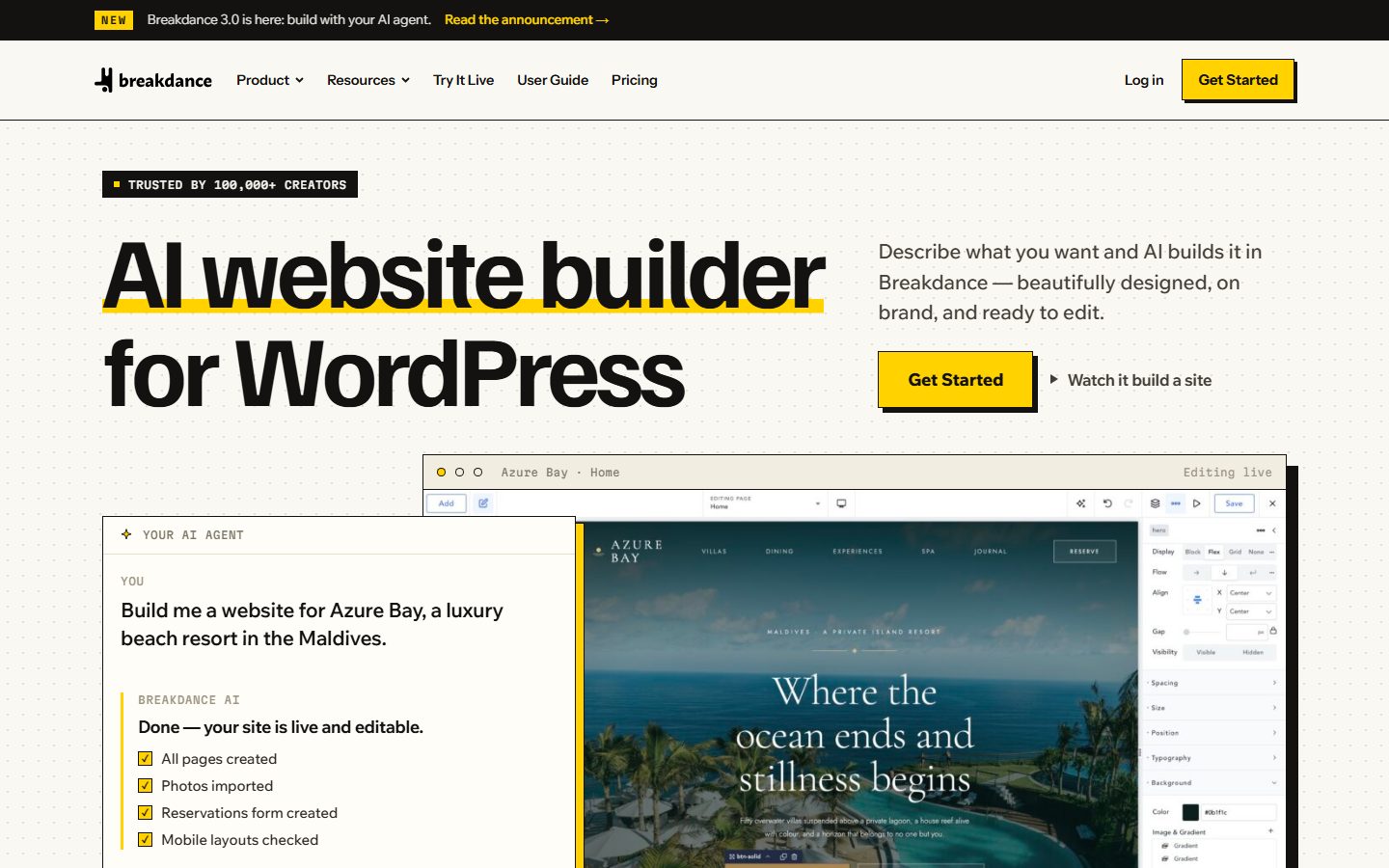
Breakdance. A plugin that describes global variables, dynamic data, forms, WooCommerce templates and 145 built-in elements, plus an AI connection for MCP-compatible agents. Its page claims clean code and fast load times but gives no benchmarks. It fits designers who want a lighter learning curve with developer features.
Oxygen. Reviewers describe it as a developer-focused builder that replaces the theme and gives full control over HTML, CSS and JavaScript. Sources disagreed on the status of its newest version, so check the vendor’s site for the current release before you plan around it.
GenerateBlocks. Not a full builder, but relevant: its WordPress.org page describes nine blocks, including Container, Query and Looper, and says it generates minimal CSS only for the blocks you use. It fits people who want a block-native approach with control. See our native block toolkit buyer’s guide.
| Question | Why it matters | Builder A | Builder B |
|---|---|---|---|
| Theme, plugin or block-based? | Architecture and lock-in | ||
| Can I choose HTML tags and attributes? | Semantics and accessibility | ||
| Classes, variables and components? | Design system quality | ||
| Query loops with custom fields? | Dynamic content | ||
| Conditions and custom code? | Flexibility | ||
| What remains if I deactivate it? | Exit cost | ||
| Template and component export? | Reuse across sites | ||
| Client-safe editing? | Handover | ||
| Licensing: sites, updates, renewals? | Real cost | ||
| Update history and documentation? | Maintenance burden |
Switching page builders is nearly always a rebuild. Layouts live in each builder’s structure, and even block-based storage does not guarantee that blocks from one tool will look right without it. The more of your site is in builder-specific features, such as custom loops, interactions and global classes, the more work a switch needs.
Reduce risk by keeping content in standard fields, using the builder mostly for layout and styling, documenting your naming conventions and keeping your design tokens in a framework or in theme.json where you can. Test a deactivation on staging once a year. Remember that a licence can lapse, and plan for what happens to updates if you stop paying.
Most of these tools offer a trial, a demo or a refund window, so check the terms first. You need about four hours per builder.
WPMusk has not built sites with developer-focused builders for this page. It draws on vendor pages, WordPress.org listings and third-party descriptions, which we flag where they conflict. This page carries no score: it is guidance for choosing, not a measured result.
A full review will follow the plan above on a staging site, record the version and licence tested, and publish the markup size and page weight alongside the score. We will separate the builder’s claims from what we measured.
Vendors say so, but no independent comparison method exists on their pages. Speed depends on the output, your images and fonts and your hosting. Test your own pages.
You do not have to, but you will get far more value if you do. Classes, variables and custom code are the point of these tools.
Often yes, though how well depends on the tool. Block-based approaches let clients use the core editor, which Etch’s site describes as an aim.
Your site keeps working until WordPress or PHP changes break it. This is why the exit path matters.
If your layouts are simple, a block theme with patterns may be enough. See block themes for WordPress.
Bricks labels its AI abilities as experimental. Treat any AI page creation as a first draft you review, not a finished site.