A buyer's guide to managed WooCommerce hosting: checkout speed, caching exclusions, staging, security and payment considerations.
What a managed WooCommerce host does, in plain words
A managed WooCommerce host is a managed WordPress host that also tunes for the way an online shop behaves. A brochure site serves the same page to everyone, so it can be cached heavily. A store cannot: the cart, the checkout and the customer account are different for every visitor, and each order writes to the database. A WooCommerce-focused host sets up caching, resources and backups with that in mind.
Pressable, for example, describes on its site a managed WooCommerce offering from the team behind WooCommerce, with staging and sandbox environments and backups on every plan. Other providers sell similar bundles. What matters is not the label but whether the host handles the five things that decide how a shop behaves under load: cache exclusions, PHP workers, database performance, backups that do not lose orders, and a safe way to test changes.
How it works under the hood
WooCommerce documents a clear rule for caching. Its guidance on configuring caching plugins says to exclude the Cart, Checkout and My Account pages from the cache, because they show information specific to the current customer and must stay dynamic. It adds that caching My Account can break password resets, which loop back to the login screen, and tells you to confirm that your host excludes it from server-side caching. A host that caches everything by default can show one customer another’s cart; a host that caches nothing wastes its own capacity on product pages that could be cached safely.
The result is a split. Product and category pages for anonymous visitors can come from a page cache. Everything personal is generated by PHP on each request, which uses a PHP worker and database queries. That is why a shop on a plan that looks generous for visits can still slow down at checkout: the visits were cached, the orders were not.
The official server recommendations page lists PHP 8.3 or newer, MySQL 8.0 or newer or MariaDB 10.6 or newer, HTTPS and a WordPress memory limit of at least 256 MB. Check that the host can meet all of these, and see our WooCommerce speed checklist for what to do on the store side.
Who needs one (and who does not)
Stores where an outage or a slow checkout loses sales, shops with a few hundred orders a month or more, stores with subscriptions or memberships, and agencies running client shops gain the most. If a store takes a handful of orders a month, a managed plan may cost more than the problem it solves, and a decent shared plan with the right cache settings can do.
If your catalogue is large, your traffic is spiky or you need custom server software, look at the managed versus VPS comparison. If you have not yet chosen your shop platform, read WooCommerce alternatives first, since the hosting needs differ.
Types and approaches
| Approach | Fit | Strength | Trade-off |
|---|---|---|---|
| Managed WooCommerce plan from a WordPress-focused host | Small to mid-sized stores | Cache rules, staging and support set up for Woo | Higher cost; limits on orders, visits or workers |
| Store-specific platform (host sells a Woo bundle) | Merchants who want a ready store | Preinstalled extras, store tooling | Bundles may lock you to the vendor’s tooling |
| Managed panel on your own cloud server | Technical teams | Scale resources yourself; choose data centre | You carry more administration; support split between vendors |
| General shared hosting | Tiny or new stores | Lowest cost | Shared resources; cache exclusions are your job |
What to look for
We weigh hosting on speed 30%, reliability 25%, support 20%, value 15% and ease of use 10%. For stores, each criterion has a specific meaning.
Speed (30%)
Ask how the host treats logged-in and cart sessions, not just anonymous page loads. Find out whether an object cache is included, since it reduces repeated database queries, which matters for stores; the WordPress documentation notes it requires a cache server from the host and a compatible plugin. Ask about PHP version choice and database resources. Google’s web.dev guidance puts a good Largest Contentful Paint at 2.5 seconds or less, and a slow server response makes that harder. See Core Web Vitals for WordPress.
Reliability (25%)
For a shop, backups have a special risk: restoring last night’s copy can erase orders placed since. Ask how the host handles this, whether backups run more than daily, and whether you can restore files and database separately. Pressable states on its site that daily, hourly and on-demand backups are included in all plans; check whichever host you consider for the same detail. Ask what happens during traffic surges and whether the plan throttles or takes the site offline.
Support (20%)
Store problems are urgent and often involve payment plugins, tax and shipping extensions. Ask whether support covers WooCommerce-specific issues such as a checkout error or a payment gateway timeout, or only the server. Check hours, channels and escalation path.
Value (15%)
Compare how limits are counted: visits, orders, products, PHP workers, storage. Check whether premium extensions are bundled or sold separately, and the renewal price. Read the vendor’s pricing page yourself on the day you buy.
Ease of use (10%)
A staging site that copies the database needs care for shops, because a staging copy can send real emails or charge real cards if gateways are live. Ask whether staging disables outbound email and puts gateways in test mode, and how a push to live treats new orders.
Cache control
You should be able to see and change which URLs and cookies bypass the cache. Ask if cart, checkout, account and add-to-cart URLs are excluded by default, and whether you can add exclusions for custom pages such as a subscription portal.
PCI and payment practices
Card data should be entered into fields hosted by the payment gateway, so it never passes through your server. Ask the host what it states about payment-card security and which responsibilities it assigns to you. Do not assume hosting is the only layer.
Scaling for events
If you run sales, ask whether you can raise resources temporarily and how quickly. Our Black Friday preparation plan lists what to ask before a peak.
Real products to look at
These are examples, not a ranking, described from the vendors’ own pages read while preparing this guide. Check current features before deciding.
- Pressable. The site calls its offering managed WooCommerce hosting from the team behind WooCommerce, built on Automattic’s WP Cloud, with staging and sandboxes, daily, hourly and on-demand backups and 24/7 support through live chat. It is also on the WordPress.org hosting page as a recommended host. It fits stores that want an Automattic-family provider.
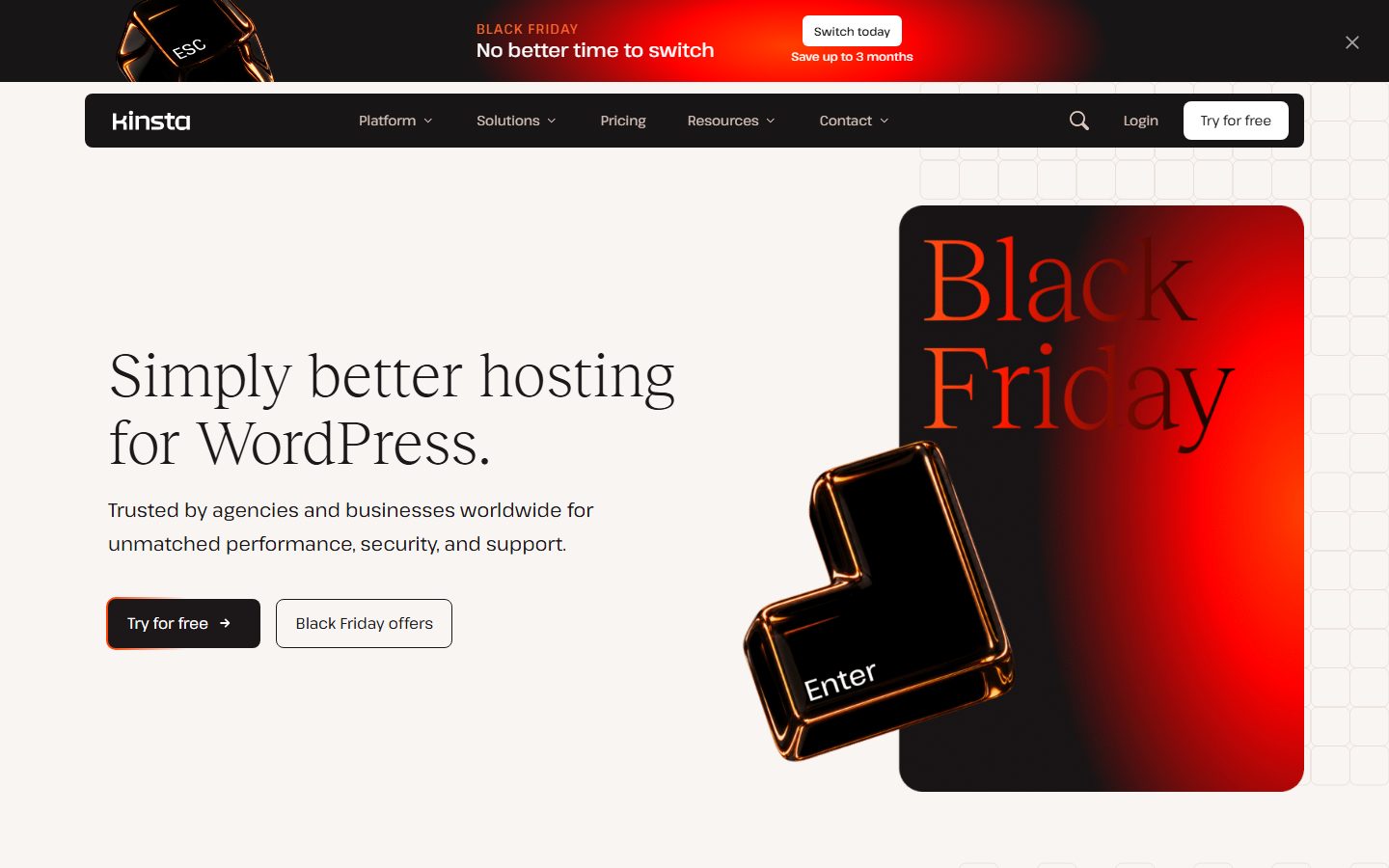
- Kinsta. Its documentation describes daily backups with at least 14 days of retention and a Cloudflare layer in front of Managed WordPress sites. We did not verify its WooCommerce-specific features. It fits stores that want a dashboard-based managed host.
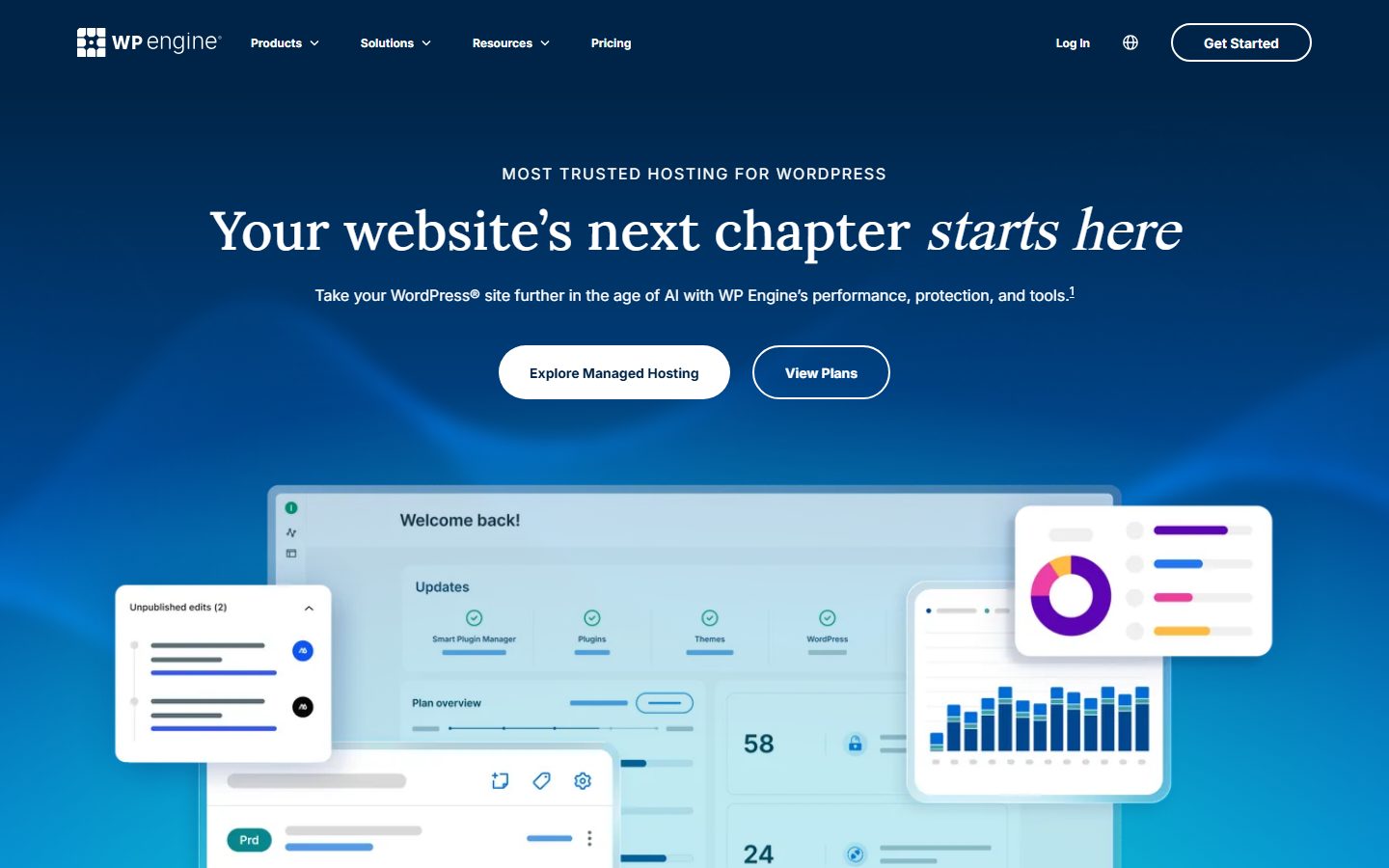
- WP Engine. Its support documentation covers server cache behaviour, a backup and restore article and a disallowed plugins list. We did not verify store-specific tooling. It fits merchants and agencies who want an established managed host and who have checked the plugin rules.
- Cloudways. It says it offers a managed stack on five cloud providers, with Redis, Memcached and Varnish, staging on every plan and scheduled backups. It fits technically comfortable store owners who want resource scaling and a choice of data centre.
- Nexcess. A hosting brand that markets WooCommerce hosting. Its site blocked our automated fetch, so we could not verify its features; read its documentation directly if you consider it.
The screenshots below show the homepage of two of these examples as captured in November 2026, so you can see how each vendor presents the product.
A comparison checklist to fill in
| Question | Host A | Host B | Host C |
|---|---|---|---|
| Cart, checkout and account excluded from cache by default? | |||
| Object cache included? | |||
| PHP version options; MySQL or MariaDB version | |||
| PHP worker count and what happens at the limit | |||
| Backup frequency and order-safe restore method | |||
| Staging: emails off, gateways in test mode? | |||
| Limits on visits, orders, products, storage | |||
| Support covers Woo and gateway problems? | |||
| Disallowed plugins | |||
| Renewal price; refund window |
Setup and migration steps
Before you move
Choose a quiet period. Export your product, order and customer data as a backup alongside the full site backup. Note your gateway settings, webhooks, shipping zones and tax setup. Lower DNS time-to-live ahead of time. Our migration guide gives the general process.
During the move
Copy the site to the new host, then test every part of the buying path on the temporary URL: add to cart, apply coupon, shipping choice, tax, payment in test mode, order email and account area. Check scheduled tasks, because WooCommerce relies on them for subscriptions and stock updates. When ready, put the old store in maintenance mode, do a final database sync so no orders are lost, then switch DNS.
After the move
Place a real low-value order, then refund it. Confirm that webhooks from your payment provider reach the new server, and that order emails arrive. Watch for orders arriving at the old site during DNS propagation and reconcile them. Keep the old account running for several days.
Common mistakes and red flags
- A page cache that stores the cart, checkout or account pages.
- Judging a plan by visits when orders and logged-in sessions bypass the cache.
- Restoring a backup without checking for lost orders.
- Staging sites that email customers or charge live cards.
- Migrating during a sale.
- Webhooks left pointing at the old server.
- No answer from the host on how orders are protected during a restore.
- Stacking a caching plugin on top of server caching without checking exclusions. See caching plugins.
Cost and risk of switching later
A shop is harder to move than a blog because the database changes while you work. The risk is orders landing in the wrong place, so plan a short freeze window and a final sync. Subscriptions add more risk, since renewals run on schedule and a double-run on two servers can charge a customer twice. Make sure only one server processes renewals at a time. Also consider that host-specific cache rules and edge redirects need rebuilding. Keep payments, shipping and checkout setup documented so you can recreate it. For checkout design after the move, see checkout optimisation.
A one-afternoon evaluation plan on a staging copy
- Copy (45 minutes). Migrate a copy of the store to the trial or refund-window account.
- Buying path (30 minutes). In test mode, place five orders: guest, logged-in, with coupon, with shipping change and a failed payment. Pass: all behave, emails arrive.
- Cache check (20 minutes). Open cart and account in two browsers with different accounts. Pass: no data is shared or stale; response headers show cart and checkout not cached.
- Password reset (10 minutes). Reset a customer password. Pass: no login loop.
- Speed (30 minutes). Measure a product page and the checkout with PageSpeed Insights, three runs each. Pass: no worse than your current host; LCP within 2.5 seconds on product pages.
- Restore (30 minutes). Place a test order, restore the previous backup, ask support how to recover the order. Pass: a clear documented method.
- Support (20 minutes). Ask how PHP workers are allotted and what happens during a surge. Pass: a specific answer.
How we will evaluate it
WPMusk has not run hands-on tests of managed WooCommerce hosts. This guide draws on WooCommerce’s and vendors’ documentation and gives no measured results. A full review would host the same store at each provider, run scripted order tests, measure response times for cached and uncached pages, test backup restores with new orders, and contact support with real store problems, then score against the weights above. This page carries no score: it is guidance for choosing, not a measured result.
Questions people ask
Why can my store be slow with few visitors?
Cart, checkout and account pages cannot be cached, so each one runs PHP and database queries. A few simultaneous buyers can use up the workers on a small plan.
Do I need Redis?
An object cache helps with repeated queries and is commonly offered on managed hosts. See our Redis guide; confirm it is included and compatible with your setup.
Can I use a CDN?
Yes, for images and static files. Be careful with caching HTML at the edge: dynamic pages need exclusions. See Cloudflare for WordPress.
Is shared hosting ever enough for a store?
For a small, low-order shop it can be, if you configure cache exclusions correctly and watch resource limits.
What if the host’s backup loses orders?
Ask about order-safe restores before you buy, and keep your own database export. Some stores also email orders to a mailbox as a simple secondary record.
Should I switch hosts before a big sale?
Not within weeks of it. Move earlier, test under load, and avoid changing the platform during your busiest period.
This is a buyer’s guide for a type of product. It is based on public documentation, not on hands-on tests, and it carries no score.
← All reviews