A membership plugin lets you decide who can see which parts of your site, and lets people earn that access by registering, paying or both. It adds sign-up and login pages, a member account area, levels or plans, rules that lock content, and usually a checkout that takes payment and renews it.
The common uses are paid articles, courses, private communities, downloads, client portals and free registration to unlock extra content. The plugin links three things together: a person, a plan and a piece of content.
WPMusk has not run hands-on tests of any plugin named here. This guide shows you how to choose, with products offered as examples rather than rankings.
WordPress already has users and roles. A membership plugin builds on that. Restrict Content’s listing, for instance, says membership levels can have an assigned user role. Ultimate Member’s listing mentions custom user roles. The more your plugin leans on core roles, the easier it is for other plugins to cooperate with it.
Rules decide what a visitor can see. They are set per post, per category, per post type, per level or by a block or shortcode wrapped around content. Restrict Content’s listing says it can restrict posts, pages, media, custom post types and API requests, and that it works with the block editor, the REST API and RSS feeds. MemberPress’s site describes content access rules. The details matter. If a rule covers the page but not the RSS feed, the REST API or an attached file, your locked content may be reachable another way.
A plan has a price, a duration and a renewal behaviour. The plugin charges the card through a payment gateway, then grants or removes access when payments succeed, fail or expire. Restrict Content’s listing describes membership levels with duration, renewal limits and signup fees, and lists failed-renewal emails. Your gateway and your tax obligations are a separate subject; see the payment gateway guide.
Page caching serves the same HTML to everyone, which conflicts with content that differs per member. Plugins handle this by excluding specific pages from caching or by loading gated content after the page. Ultimate Member’s listing says it automatically excludes its own pages from caching. Ask each candidate how it works with your caching setup.
SureCart’s listing says its platform stores and processes products, checkouts, orders, subscriptions, customers and payments in the cloud, connected through its API. Self-hosted plugins keep these records in your WordPress database. Neither is better in all cases. The hosted model moves work and responsibility off your server; the self-hosted model keeps the data under your control.
You need one if access depends on the person, the plan or the date. Examples include a paid newsletter archive, a members-only forum, a set of lessons that unlock weekly and a private downloads area.
You may not need one if you only sell individual products. In that case a shop plugin with downloadable products covers it; see the digital products guide. You also do not need one for a single password-protected page, which WordPress core supports.
A middle case is recurring billing without gated content, such as a subscription box. That is about subscriptions, not memberships. See the recurring billing guide.
For an overview of options, see the membership plugin roundup.
| Approach | What you get | Typical strength | Typical risk |
|---|---|---|---|
| All-in-one membership plugin | Levels, rules, checkout, account area, emails | One tool to learn | Feature creep; lock-in to its data model |
| Community and profile plugin with paid extensions | Profiles, directories, registration forms, optional paid access | Strong member profiles and directories | Payments and restriction may need paid extensions |
| Checkout platform plus an access plugin | Cloud billing, with a separate plugin granting access | Billing handled off-site | Two systems to keep in sync |
| Shop plugin plus memberships extension | Products, orders, memberships | Reuses a shop you already run | More moving parts and more update testing |
| Static role gating | Roles with a restriction block | Very light | No billing; you manage roles by hand |
Our plugin scoring weights are speed impact 30%, reliability 25%, support 20%, value 15% and ease of use 10%.
Membership logic runs on every request that touches protected content, and logged-in pages usually bypass the page cache. Ask what is loaded on public pages, whether scripts and styles load only where needed and how the plugin handles caching. Measure with your own content on a staging copy. For the underlying metrics, see the Core Web Vitals guide.
Locked content must stay locked, and paid members must keep access. Test every route to the content: page, archive, search results, feed, REST API and direct file URL. Look at the plugin’s changelog for security fixes and how quickly they ship, and read the plugin vetting checklist.
Confirm which gateways are supported on the tier you will use. Restrict Content’s listing says Stripe and manual payments are included in the free plugin, while PayPal and some other gateways are Pro. Test a failed renewal, a cancellation, an upgrade and a refund; each should change access in a way you can predict.
Members will use the login form, the account page, the billing page and the password reset. Check that they match your site, are readable on a phone and give clear error messages. Ask how members update a card and cancel without contacting you.
You will handle manual member creation, level changes, notes and exports. Restrict Content’s listing mentions CSV export of membership records. Check what reports exist for revenue, churn and expiry, and whether they sit in the free or paid tier.
List the tools you use: email marketing, course plugin, forms, CRM, accounting. MemberPress’s site lists integrations with services such as ActiveCampaign, Zapier, HubSpot, Zoom and WPForms. SureCart’s listing says it connects to membership and course plugins to grant and revoke access. Verify that the integration you need exists for the version you buy.
Read recent forum threads on wordpress.org for the free plugins, and note how threads end. Some listings carry reviews that complain about support responsiveness, which are user claims you should weigh and compare. For value, count the whole bill: licence, gateway fees, paid extensions you need and renewal pricing. Check pricing pages on the day you buy.
Member accounts hold personal data and payment history. Know where it lives, how members can request deletion and what a hosted platform stores.
These are examples, not rankings. The descriptions come from each product’s listing or website and should be checked against the current version.
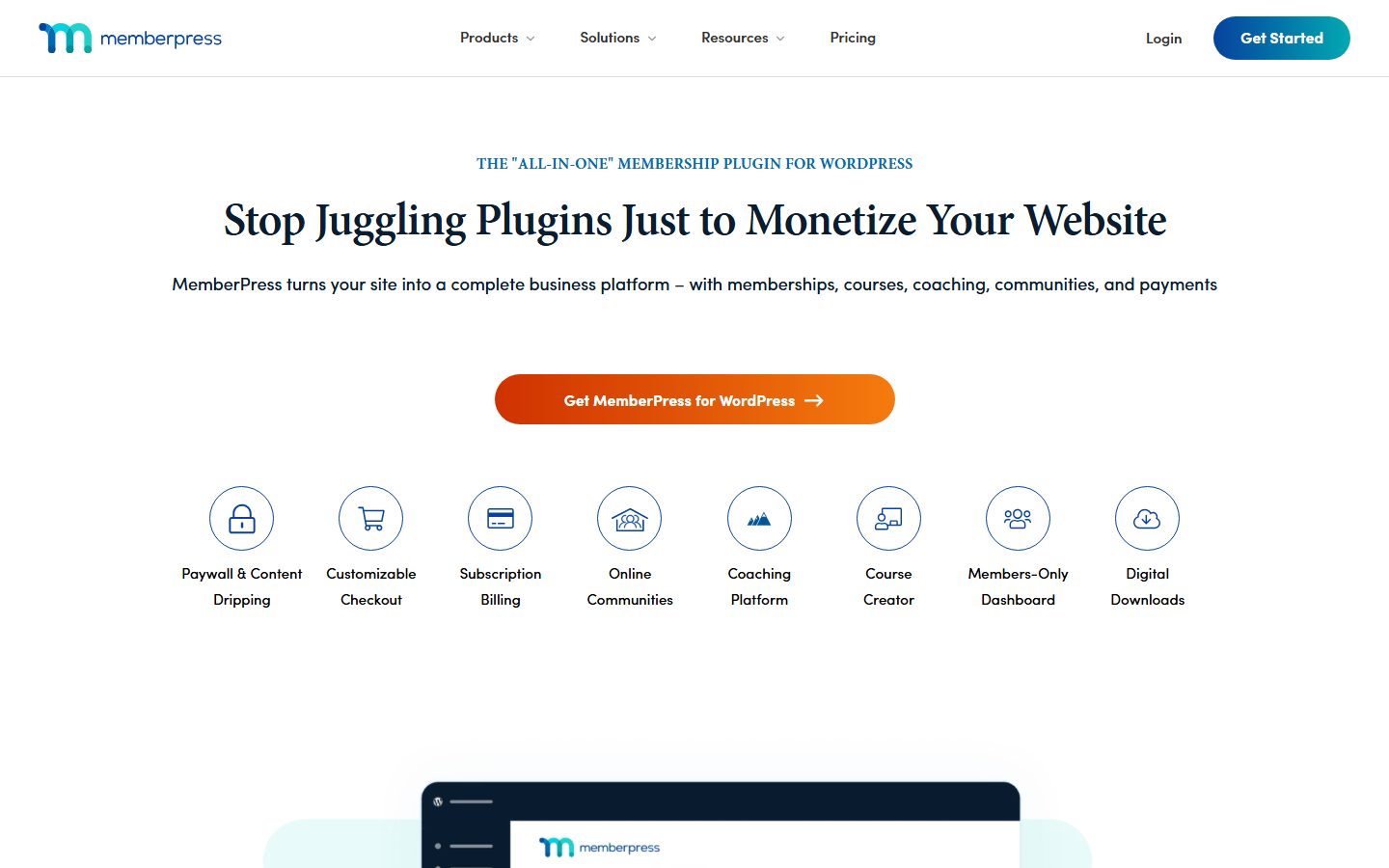
MemberPress. According to its website, it covers content access rules, content dripping, a customisable checkout, recurring billing, coupons, a course builder, forums and a members directory. It is described as an all-in-one product. It fits sites that want membership, courses and billing in one commercial plugin.
Restrict Content (Kadence Memberships). Its wordpress.org listing says it restricts posts, pages, media and custom post types, offers membership levels with Stripe and manual payments in the free plugin, and reserves PayPal, discount codes, trials and detailed reports for the paid tier. It fits smaller sites that want to start with a free core.
Ultimate Member. Its listing describes front-end profiles, registration, login, member directories and custom form fields, with paid extensions such as Stripe and WooCommerce. It is oriented toward user profiles and community. It fits directory and community sites where the member profile is central.
SureCart. Its listing describes subscriptions with trials, setup fees, proration and failed-payment retries on a cloud platform, and says it integrates with membership and course plugins rather than providing built-in content gating. See the SureCart guide. It fits sellers who want hosted billing paired with an access tool.
| Question | Candidate A | Candidate B | Candidate C |
|---|---|---|---|
| Protects pages, feeds, REST API and files? | |||
| Gateways on the tier you will buy? | |||
| Free trials, coupons, upgrades, proration? | |||
| Where are billing records stored? | |||
| Works with your cache and host? | |||
| Member self-service: card update, cancel? | |||
| Integrations you need: email, courses, CRM? | |||
| Export of members and payment history? | |||
| Total yearly cost including extensions? |
Membership is one of the costliest plugin types to change, because it holds people and money. You are moving members, their plans, their renewal dates and sometimes their stored payment method.
The risks are specific. Stored cards usually stay with the payment gateway, not the plugin, so moving between plugins using the same gateway may be easier than moving gateways. Moving to a hosted platform means exporting customers and subscriptions in a format the new system accepts. Access rules are rarely portable and often have to be rebuilt.
If you can, choose a plugin that documents member export and ask whether subscriptions can be imported with the original renewal dates. Plan a changeover when renewals are few, and run both systems in parallel on staging first.
WPMusk has not run hands-on tests of any membership plugin, and this page contains no test results. When a full review is published, it will state what was tested, on what environment and with what outcome. This page carries no score: it is guidance for choosing, not a measured result.
The planned method follows the evaluation plan above, with special attention to access control, because a failure there exposes paid content or locks out paying members. The weights are the ones listed earlier.
You can sell access as a product, but you will need a way to restrict content and handle renewals. Some membership plugins integrate with shop plugins for exactly that.
It can, if the cache serves one person’s page to another. Ask how each plugin handles caching and test with your own setup.
Only for paid levels. Free registration and manual approval need none. Check which gateways your chosen tier supports.
Some plugins do, and MemberPress’s site mentions content dripping. Check whether it sits in the tier you plan to buy.
Normally the gateway stores them, not your site. Confirm this in the plugin’s documentation and your gateway’s terms.
Know what happens to access when a refund is issued. Test it in staging and write down your policy.
It depends on your host, your caching and the plugin. Test with realistic data and ask the vendor for guidance rather than trusting a number.