A European data host is a hosting provider that stores and processes your website’s data on servers inside Europe, usually inside the European Union, and ideally is itself a company based there. People look for one because the General Data Protection Regulation (GDPR) governs personal data about people in the EU, and keeping that data in the EU, with an EU-based processor, simplifies several questions about where it goes and who can reach it.
It is important to be exact about what this does and does not do. Choosing an EU host does not make a website GDPR compliant. Compliance depends on what your site collects, why, on what legal basis, who else receives it, how long you keep it and what you tell visitors. Hosting is one input. This guide is educational and is not legal advice; if the stakes are high, ask a qualified privacy professional.
Three ideas matter.
Organisations with EU customers or members, public bodies and schools, healthcare-adjacent businesses, agencies serving EU clients, and anyone whose contracts or internal policy require EU data location benefit. It also suits owners who simply prefer a local provider and local-language support.
If your visitors are mostly elsewhere and you hold little personal data, an EU data centre may bring little, and it can add latency for non-European visitors. A brochure site with no forms and no analytics collects almost no personal data anyway. If you run a shop, bookings or a membership scheme, you do collect personal data, so see the WordPress ecommerce guide and hosting by use case. Note that stores also need payment, tax and consumer-law decisions beyond this guide’s scope.
| Approach | What it means | Strength | Trade-off |
|---|---|---|---|
| EU-headquartered host, EU data centres | Company and servers both in the EU | Simplest story on jurisdiction and transfers | Smaller feature set at some providers; check support language and hours |
| Non-EU provider with an EU region | Servers in the EU, company elsewhere | Wider features and choice | Corporate structure, subprocessors and support access need checking |
| EU cloud server you manage (VPS) | You rent a server in an EU location and run it | Full control over location and software | Compliance and security tasks are yours; see our managed versus VPS guide |
| Managed WordPress host with a location choice | You pick a region when creating the site | Managed support plus EU placement | Not every plan or region is offered everywhere |
We weigh hosting on speed 30%, reliability 25%, support 20%, value 15% and ease of use 10%. For a European data host, a sixth consideration, data governance, runs through all of them.
Servers inside Europe are fast for European visitors and slower for distant ones, so match location to audience. A CDN can help worldwide, but it may itself process visitor IP addresses outside Europe; check its data handling. Look for current PHP; WordPress’s requirements page recommends PHP 8.3 or greater. Google’s web.dev guidance puts a good Largest Contentful Paint at 2.5 seconds or less, and server response is part of that. See Core Web Vitals.
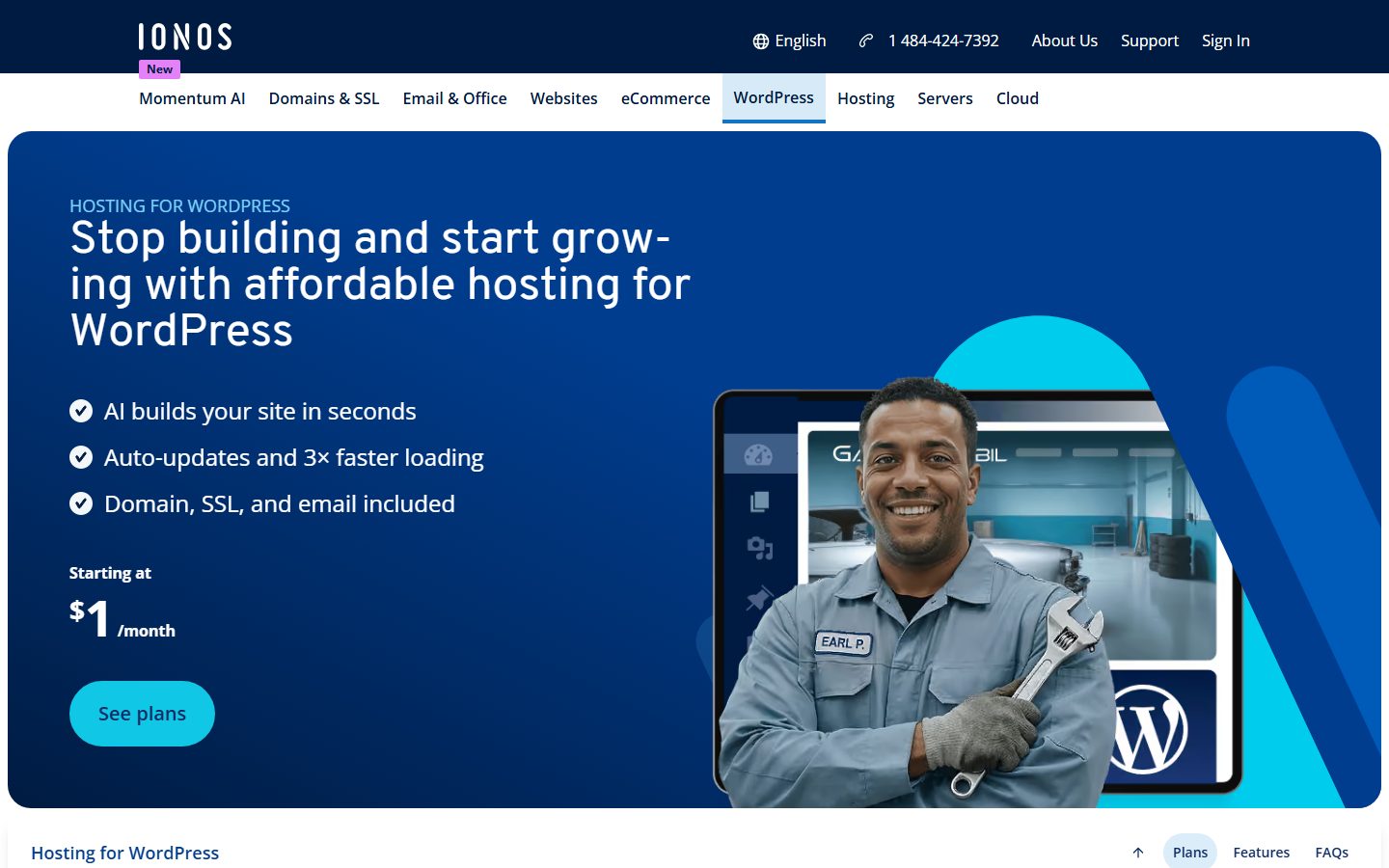
Check backups, retention and where backups are stored: backups copied to a non-EU region undermine the point of EU hosting. IONOS’s WordPress page mentions georedundant data centres that mirror data to a second location, so ask where the second location is. Ask about uptime commitments and incident communication.
Check support hours, languages and whether staff outside the EU can access your data in a support case. Some hosts say so in their privacy documentation; ask if they do not.
Compare plan limits, renewal prices and whether a data processing agreement, backups and staging cost extra. Read prices on the vendor’s pricing page on the day you buy.
Look for a clear way to accept the data processing agreement, view subprocessors and choose a data centre. Migration help helps if you are leaving a non-EU host.
Find the host’s data processing agreement, its list of subprocessors and the countries involved. A vendor that publishes these clearly is easier to audit than one that makes you ask.
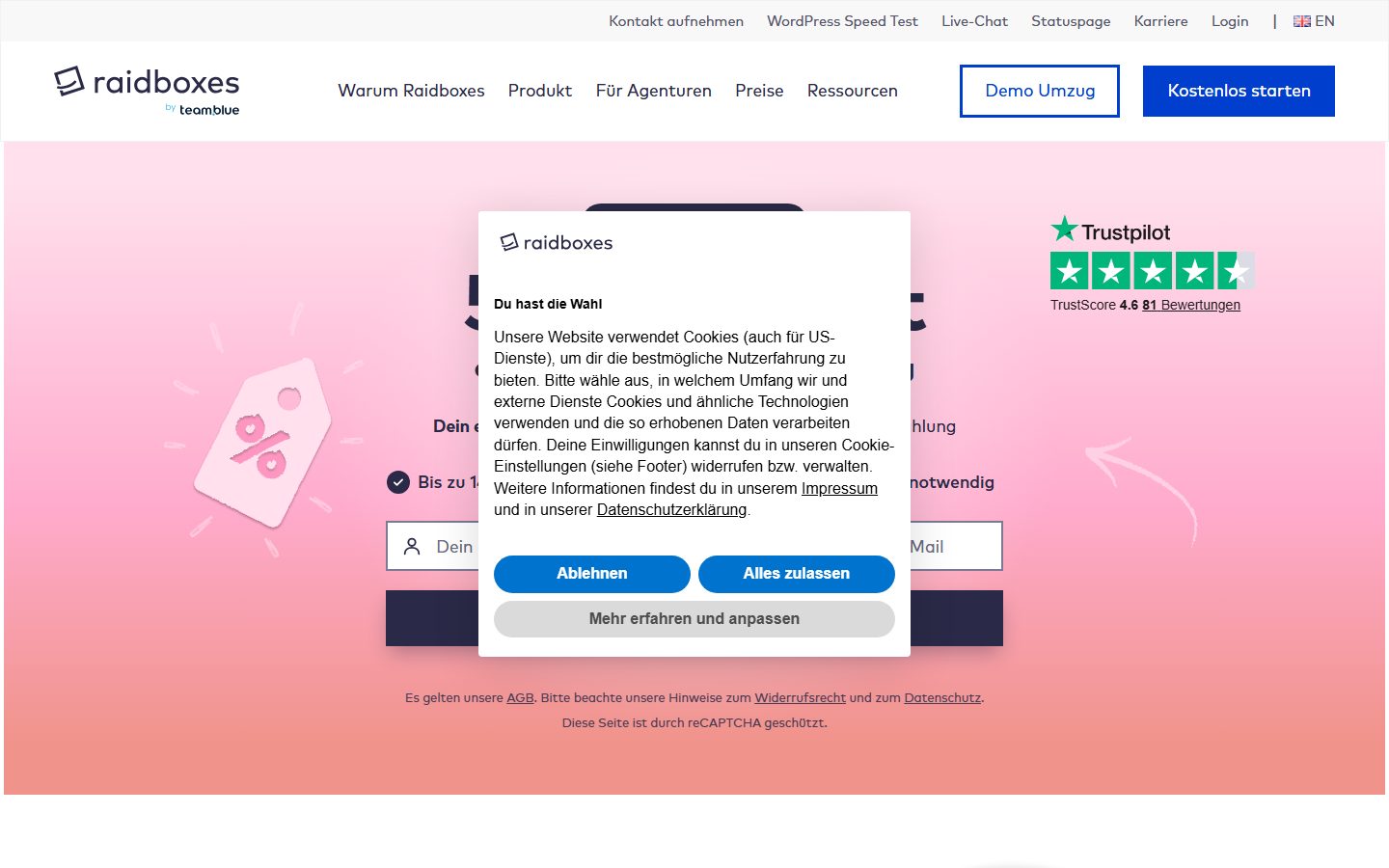
GDPR expects appropriate technical and organisational measures. Ask what the host provides: encryption in transit, firewalls, malware scanning, isolation between accounts, DDoS protection. Raidboxes states on its site that its hosting is GDPR-compliant and lists SSL encryption, a web application firewall, DDoS protection and an exploit detector, which are vendor claims to weigh against the contract terms. The rest is yours, as covered in the security guide.
Ask whether the host holds independent certifications such as ISO standards, and read what they cover. IONOS’s page mentions ISO-certified data centres. Certificates apply to defined scopes, so check what is actually included.
These are examples, not a ranking, described from vendor pages read while preparing this guide. None of them can make your site compliant on its own; check each provider’s data processing terms yourself.
The screenshots below show the homepage of two of these examples as captured in November 2026, so you can see how each vendor presents the product.
| Question | Host A | Host B | Host C |
|---|---|---|---|
| Company headquarters and legal entity | |||
| Data centre country and city | |||
| Backups stored where? | |||
| Data processing agreement available? | |||
| Subprocessor list and countries | |||
| Support staff access from outside the EU? | |||
| Included email service: where hosted? | |||
| Independent certifications and scope | |||
| Staging, backups, PHP versions | |||
| Renewal price and notice terms |
Map your personal data: where visitors’ names, emails, IP addresses and order details go. List every third-party service your site calls. This map matters more than the hosting choice. Take a full backup and review the migration guide.
Create the account, accept or sign the data processing agreement and choose the EU location. Migrate and test on a temporary address. Replace or configure third-party services that send data abroad: self-host fonts (see how to self-host fonts), configure analytics and email services with EU options or consent, and review plugins that call external APIs. The plugin vetting guide can help with those that do.
Update your privacy policy to name your host and recipients accurately. Confirm that backups, logs and email are also stored where you expect. Keep a record of what you checked and when, since accountability is part of the regulation. Re-check whenever you add a new plugin or service.
Switching hosts is technically the same as any WordPress move, but regulatory records add work: you update the privacy policy, your record of processing and the processor agreement, and you confirm the old host deletes your data. Ask each provider how and when it deletes data after you leave, including backups. If you later need to serve customers in another region, you may need a CDN or an additional location, so choose a provider that supports multiple regions or has a clear way to add one. Smaller regional providers may offer fewer features and a smaller ecosystem of tutorials; weigh that against their data governance. Legal rules also change, so revisit your choice periodically rather than treating it as permanent.
WPMusk has not run hands-on tests of European data hosts, and we are not lawyers. This guide is built from vendor and regulator documentation and contains no measured results or legal conclusions. A full review would host the same site at each provider, verify data centre locations and contract documents, measure response times from European locations, test backups, staging and support, then score against the weights above. This page carries no score: it is guidance for choosing, not a measured result.
No. It addresses one question, data location. Compliance also covers legal basis, notices, consent, retention, security and the third-party services your site uses.
Possibly. The European Commission describes the EU-US Data Privacy Framework as allowing transfers to certified US companies without additional safeguards, and other mechanisms exist. Check the provider’s certification and terms, or seek legal advice.
If the host processes personal data for you, GDPR requires a contract with it. Most reputable hosts provide a standard one.
It can, because a CDN handles visitor requests and IP addresses in many places. Read its data processing terms and options before enabling it. See Cloudflare for WordPress for the general setup.
These are separate from hosting. Choose consent tools that block scripts until agreement and analytics set up with your privacy settings. Search Console and analytics tools also have data settings; see Search Console for WordPress.
For European visitors it is often faster; for visitors far away it can be slower unless you use a CDN or another region.