A popup builder lets you show a message on top of or alongside your page content: a newsletter signup, a discount code, a cookie or announcement notice, a slide-in offer, a banner across the top, or a form that opens when someone clicks a button. You design the box, decide when it appears (a trigger), decide who sees it (targeting) and decide how often (frequency).
Popups have a bad reputation because they are often used badly. Used well, they can serve a purpose: a small notice about a sale, a signup offered when someone is leaving, a form that opens from a link instead of sitting on the page. The tool matters less than the restraint of the person using it, but a good tool makes restraint easier by giving you precise rules.
This guide helps you choose. WPMusk has not run hands-on tests of the products named. Descriptions come from wordpress.org listings, vendor pages and standards documents, and we do not rank them or quote prices.
A popup plugin has three parts. A designer creates the markup and styling. A rules engine checks conditions: which page, which device, which user role, how long the visitor has been on the page, how far they have scrolled. A display script runs in the browser, listens for the trigger and shows the popup, and sets a cookie or local storage value so that it does not reappear immediately.
Where the code runs matters. Some plugins render the popup HTML on the server and show it with a small script. Others, like OptinMonster, are a front end for a hosted service. The OptinMonster listing states that it is a SaaS service that requires an account, which means campaign data and rendering depend on an outside service. That can be an advantage for analytics and a cost in extra third-party requests.
Common triggers include page load after a delay, click on an element, scroll depth, exit intent and inactivity. Exit intent works by watching for the pointer leaving the top of the window, which is a desktop behavior, so it has no direct equivalent on phones.
Because popups are inserted after the page loads, they interact with the speed metrics. web.dev’s guide to Cumulative Layout Shift lists content injected late, and banners that resize after loading, as common causes of layout shift, and recommends reserving space for such elements. A popup that overlays the page without moving content should not shift layout, but a top bar that pushes the page down can.
You need a popup tool if you have a clear goal that a popup serves: growing an email list, announcing a time-limited offer, showing a targeted notice to part of your audience, or opening forms and content on demand. Stores and publishers often use them for these reasons.
You may not need one if your theme or builder already includes basic popups, which many do. Spectra’s listing includes a popup builder, Otter Blocks lists a popup block, and some full builders have popup features in their paid tiers. A dedicated plugin earns its place when you need richer targeting, analytics or a larger set of campaign types.
If a popup would only repeat what is already visible on the page, skip it. A well-placed inline signup form often performs the same job without the interruption, and it is better for users on phones.
| Approach | How it works | Strengths | Trade-offs |
|---|---|---|---|
| Standalone popup plugin | Popups created and stored in WordPress | Data on your site; no external account for core use | Advanced triggers and targeting often paid |
| Hosted popup service with WordPress plugin | Campaigns live on a third-party platform | Analytics, testing and templates included | Account and quota limits; extra third-party requests |
| Popup feature in a page builder or block library | Popups designed with the builder | Same design tools and styles | Often paid tier; locked to the builder |
| Email service embedded forms | The email tool supplies a popup | Tight integration with your list | Less control over site-level targeting |
| Inline forms and banners | No overlay; content in the page | Lightest and least intrusive | May get less attention |
Our weights for builder add-ons are speed impact 30%, reliability 25%, support 20%, value 15% and ease of use 10%.
Check what loads on every page versus only when a popup is active. Look at the network panel on a page without a popup. A plugin that loads its full script and styles sitewide, or a hosted service that adds third-party requests everywhere, adds a cost to every visit. Popup Maker’s changelog, as quoted on its listing, says block library CSS loads only when a Popup Maker block is rendered, and the plugin cites reductions in script size over several versions; treat these as claims to verify. Our Core Web Vitals guide explains how to measure the effect.
Test caching: a popup that depends on cookies has to work when pages are cached, and frequency rules must not show the same popup repeatedly. Check how the plugin behaves with consent banners, translation plugins and sticky headers. Also check for a visible, working close button on every device.
Popups touch email, forms, consent and ecommerce. Look for documentation on integrations and a clear way to get help when triggers misfire.
Check which triggers and targeting rules are free. According to its listing, Popup Maker’s free version includes auto-open, click and form-submission triggers, while exit intent and scroll triggers, advanced targeting and analytics are in paid plans. Popup Builder by Sygnoos lists Image, HTML, Facebook and Subscription popups as free, with exit intent and other types paid. OptinMonster’s listing says exit intent, scheduling and countdown timers are Pro features and the free account has limited campaigns and impressions. Match the tier to the rule you need.
Try building a signup popup with an image and a form. Look for a live preview, mobile preview, templates and a clear rules panel that states in plain words when the popup will show.
Good rules prevent annoyance. Look for targeting by page, category, device, referral source and user status, and frequency controls such as show once per session. Popup Maker’s listing mentions cookie-based frequency in the free version and advanced targeting such as URL patterns, user roles and login status in paid tiers.
Google’s guidance on intrusive interstitials says that dialogs covering the content, mainly for promotional purposes, are problematic, while small banners that take up a fraction of the screen are acceptable, and legally required interstitials such as age gates are exempt. A tool should let you show a small banner on phones, or turn a popup off on mobile. See our SEO guide for context.
WCAG success criterion 2.1.2 requires that if keyboard focus can move into a component, users can move it out using the keyboard. For popups, the Understanding document says dialogs may restrict focus when users know how to leave, and the standard example uses Tab cycling between controls with an Esc key or Cancel button to dismiss. Test that a popup traps focus while open, returns focus when closed and can be closed with Esc.
Signup popups collect email addresses. Check that the plugin supports consent checkboxes, that the data goes where you expect and that your privacy policy covers it. Hosted services store campaign data off-site.
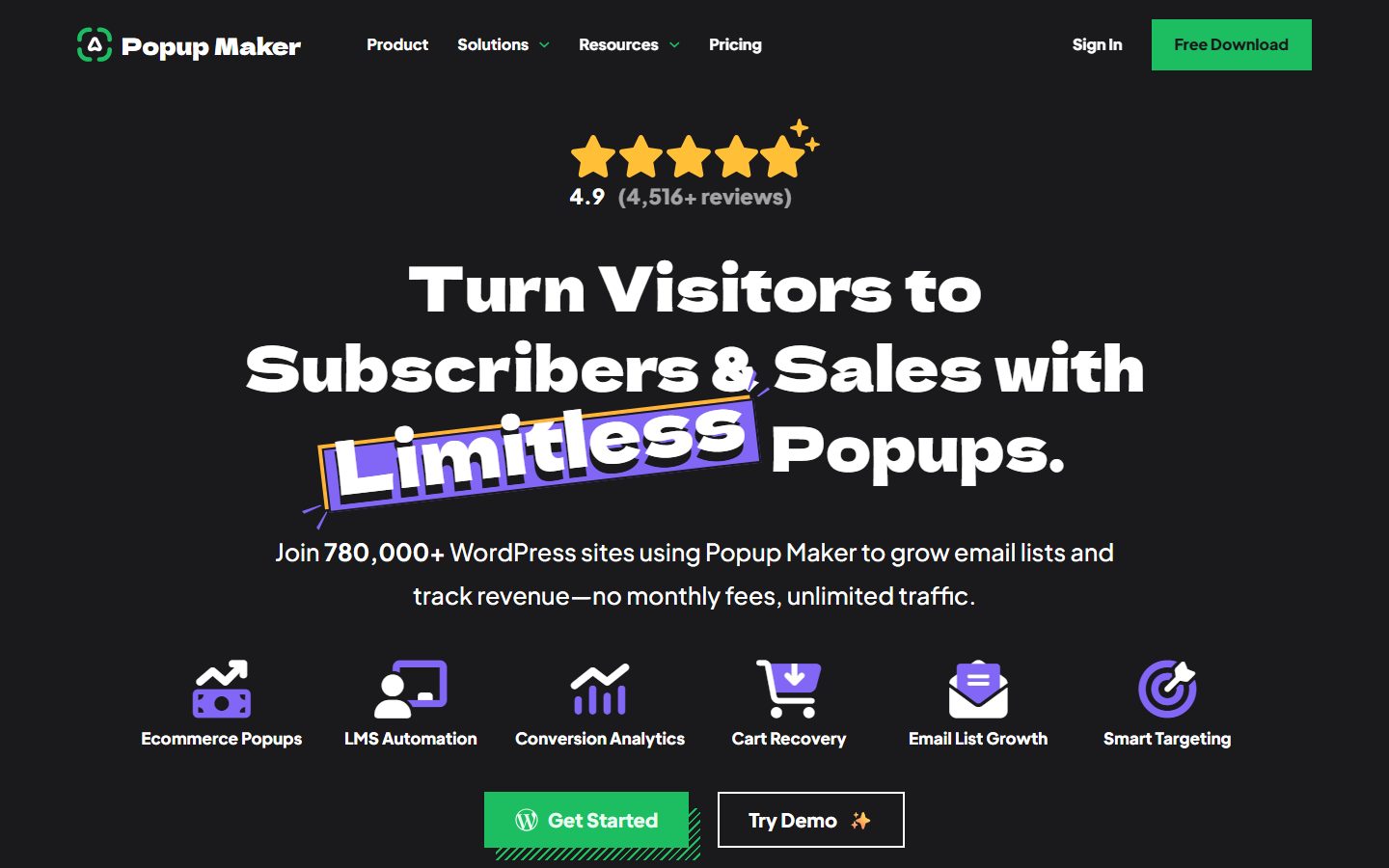
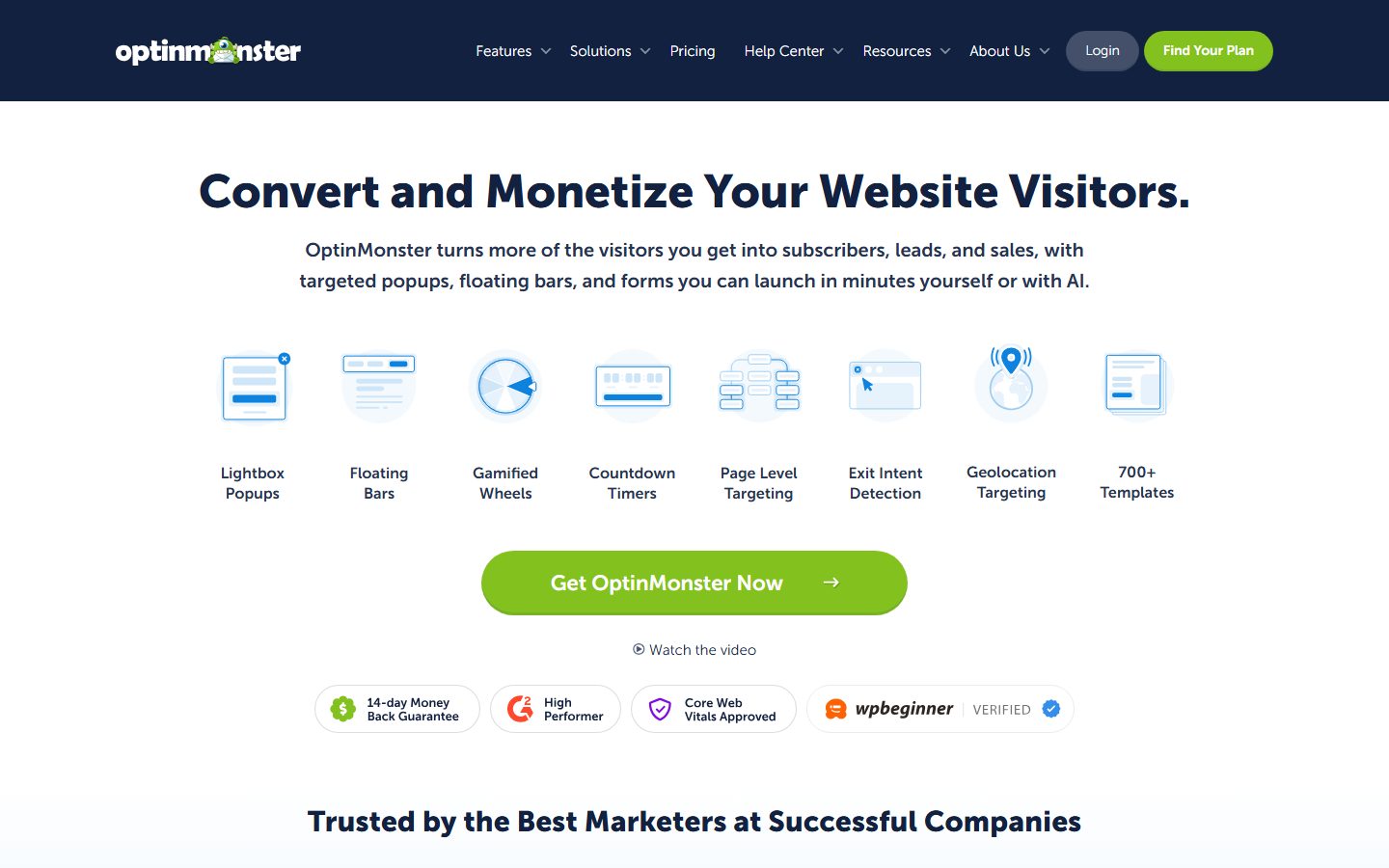
The screenshots below show the homepage of two of these examples as captured in November 2026, so you can see how each vendor presents the product.
If your goal is list growth, see our FluentCRM guide for the email side.
| Question | Tool A | Tool B | Tool C |
|---|---|---|---|
| Assets load only where a popup is active | |||
| Third-party requests added | |||
| Triggers I need are in my tier | |||
| Targeting by page, device and user status | |||
| Frequency control and caching behavior | |||
| Mobile: banner or disable option | |||
| Esc key, focus handling, visible close button | |||
| Consent and data location | |||
| Integrates with my email tool and forms | |||
| Analytics available |
Write down the purpose of each popup, who should see it and what success looks like. Pick one metric per popup, such as signups. List existing popups, banners and notices and their triggers, because several may overlap after a switch. Check what your consent banner does and decide whether a popup may appear above it. Back up the site and use staging.
Install the plugin on staging. Build one popup with a single goal, then set the trigger, targeting and frequency. Connect your email or form tool and send a test signup. Check the popup with your cache plugin on. Preview on phone and desktop, with the keyboard and with a screen reader if possible. Only then add a second popup.
Go live, and watch real metrics: signups, bounce rate on pages with the popup and any rise in layout shift. If a popup is annoying you in testing, it will annoy visitors. Review monthly, and switch off any popup that has no clear result.
Popups are among the easier things to move. Content is small and design is simple, so rebuilding takes minutes per popup. The real cost is in the data: signup lists belong in your email platform, not inside a popup tool. Analytics history in a hosted service may not transfer, so export reports before leaving.
The main risks are overlap and gaps. While you switch, two plugins might show duplicate popups, or none might show. Run the new tool on staging, switch the old one off the same day you switch the new one on and watch for a few days. If you use a hosted service, note quotas and what happens when you exceed them: some free accounts cap campaigns or impressions, per the listings. Keep your list and consent records independent of the popup tool.
WPMusk has not run hands-on tests of popup builders. In a full review we plan to build the same signup popup in each tool on a clean test site, measure added requests and layout shift, test caching, mobile behavior and keyboard use, and check form integrations. This page carries no score: it is guidance for choosing, not a measured result. Treat this page as guidance for choosing, not a verdict.
Google’s guidance says intrusive interstitials that cover content are problematic, and that small banners and legally required notices are fine. Keep popups modest, especially on phones.
They can add scripts and requests. Check what loads on pages without a popup, and measure layout shift.
There is no universal answer. Delay and scroll triggers work on phones, click triggers are the least intrusive and exit intent applies mainly on desktop.
A plugin keeps data on your site. A hosted service offers analytics and templates but needs an account and adds third-party requests.
A consent banner is a different tool with legal requirements. Use a dedicated consent solution and make sure popups do not cover it.
Rarely. Once per visitor per session or less is a common starting point; adjust based on results.