How to decide whether a budget VPS suits your WordPress site, and what server management you take on in exchange.
What budget VPS hosting does, in plain words
A virtual private server (VPS) is a slice of a physical machine that behaves like your own computer in a data center. You get a fixed amount of CPU, memory and disk, and you decide what runs on it. A budget VPS is one of the low-cost plans from providers that sell raw servers by the month. For the same money as a small managed plan, you often get more memory and CPU. The catch is in the word “raw”: on most budget plans, you are the system administrator.
That means you or a tool you pay for installs the web server, PHP and database, keeps them patched, sets up a firewall, takes backups and fixes things when they break. This guide explains what that involves, how server panels reduce the work, and how to test a cheap VPS before you trust it with a real site. It does not rank providers, and WPMusk has not tested any of them by hand.
How it works under the hood
A fresh VPS usually arrives as a bare operating system image, commonly a Linux distribution. To serve WordPress you need a web server (Nginx or Apache or similar), PHP, a database (MySQL or MariaDB), a way to get HTTPS certificates, and ideally a cache. Someone must also create users, lock down SSH, configure a firewall, schedule updates and set up backups.
There are three ways to get this done:
- By hand. You install and configure everything over SSH. Maximum control, maximum responsibility.
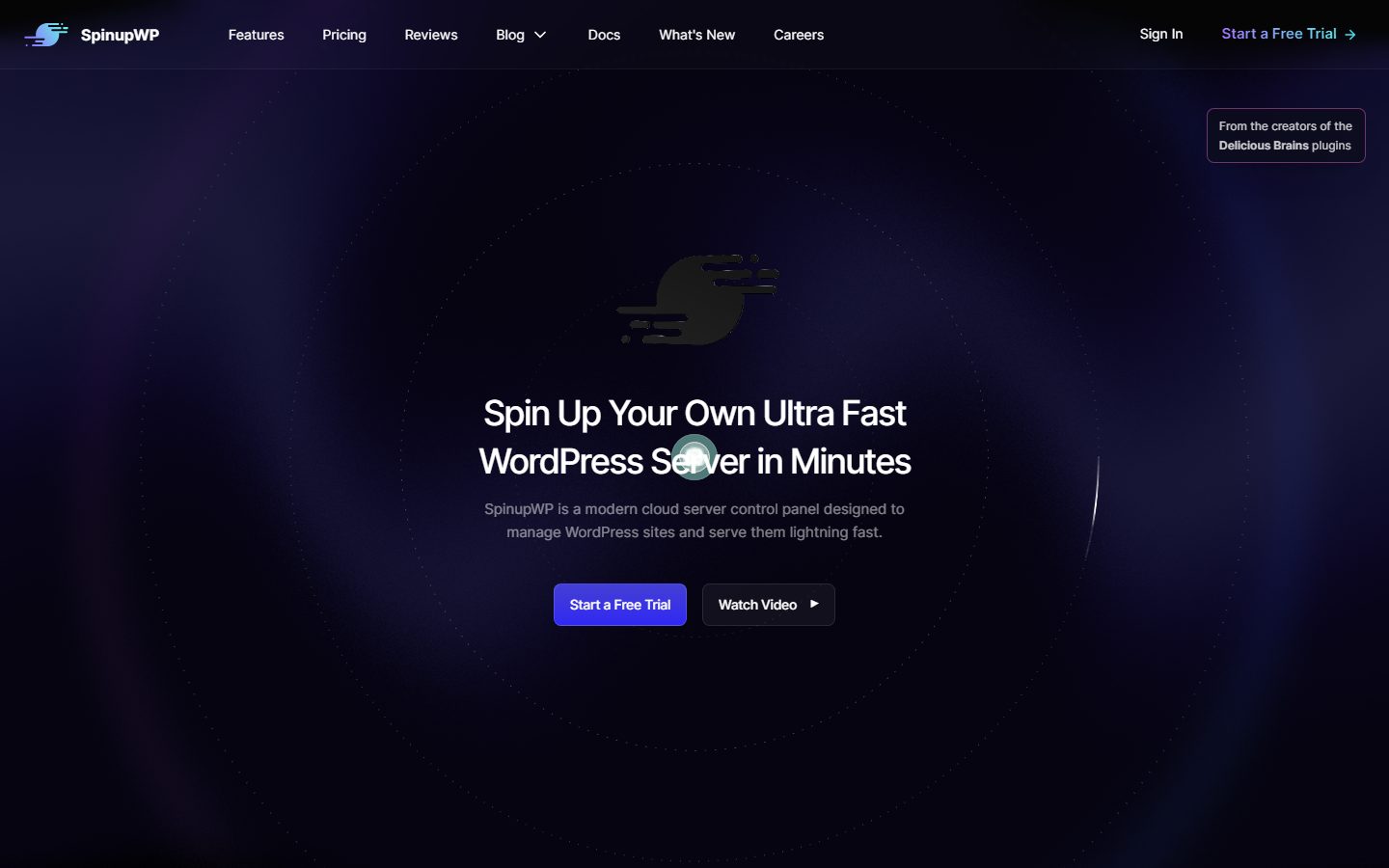
- With a server panel. A control panel connects to your VPS and installs a hardened stack for you. SpinupWP’s site, for example, says it connects over SSH, installs Nginx, PHP, MySQL and Redis from public package repositories, and sets up per-site PHP settings, HTTPS certificates, caching rules and WP-CLI.
- With a one-click image. The provider offers a WordPress image. It is quick to start, but you still own updates and security afterwards.
Hosting responsibility is the real difference between a budget VPS and a managed host. Our managed versus VPS comparison walks through who handles what.
Who needs one (and who does not)
A budget VPS can make sense if:
- You run several sites and the per-site cost of managed plans adds up.
- You are comfortable with a terminal, or you are willing to pay for a panel that handles it.
- You need a custom stack, such as a specific PHP extension or a background worker, that shared hosting does not allow.
- You want to learn how servers work.
It is a poor fit if you want to forget about the server, if the site earns money that a bad weekend would cost you, or if nobody can respond to an alert at night. Savings disappear quickly when you count your own time. A managed plan, or the options in WordPress hosting by use case, may cost less overall.
Types and approaches
| Approach | You manage | Strength | Trade-off |
|---|---|---|---|
| Unmanaged VPS, hand-built | Everything | Lowest cost and total control | Time, skill, and risk of misconfiguration |
| Unmanaged VPS plus a server panel | Little: the panel handles stack and updates | Best cost-to-effort ratio for many people | Extra monthly fee; you depend on the panel vendor |
| VPS with a traditional control panel | Server and OS; panel handles sites | Familiar interface for multiple sites | License cost; heavier resource use |
| Provider-managed VPS | Mostly the site | Support for the server | Higher price; may not be “budget” any more |
| Cloud platform on top of a VPS provider | Almost nothing | Managed experience | Costs more than raw servers |
What to look for
We weight hosting on speed (30%), reliability (25%), support (20%), value (15%) and ease of use (10%). A budget VPS scores well on value by design, so the other four deserve extra scrutiny.
Resources you actually get (speed, 30%)
Check CPU type, whether CPU is shared or dedicated, memory, storage type (SSD or NVMe) and network allowance. Shared CPU on a very cheap plan can slow down when neighbours are busy. Measure rather than trust the spec sheet. WordPress with WooCommerce needs more memory than a simple blog.
Location and network (speed)
Pick a data center near your visitors. Check outbound traffic limits and what happens if you exceed them.
Backups and snapshots (reliability, 25%)
Providers differ. Some include automatic backups at an extra fee, some offer manual snapshots, and some offer neither. Industry documentation from several unmanaged-VPS vendors agrees that data recovery is the customer’s job. Do not rely on a provider snapshot as your only copy, and test restoring. See backup plugins for off-server options.
Security responsibilities (reliability)
You decide who can log in, how SSH is configured and which ports are open. A fresh image often has no firewall configured. Panels such as SpinupWP describe a firewall that allows only HTTP, HTTPS and SSH, automatic security updates and per-site system users, which is the kind of baseline to expect. Read the WordPress security guide either way.
Support (support, 20%)
Unmanaged means support covers the hardware and network, not your configuration. Check whether the provider has a status page, a ticket system with stated response times, and a community or documentation you can use at 2 am.
Total cost (value, 15%)
Add the VPS, a panel if you use one, backup storage, a CDN or DNS service, and your own time. Look at renewal terms and any bandwidth overage. Read prices on the vendor’s page on the day you buy.
Ease of use (ease of use, 10%)
If you pick a panel, check that it supports your VPS provider. SpinupWP lists DigitalOcean, Vultr, AWS, Akamai/Linode, Google Cloud and Hetzner, and says any server it can reach over SSH will work. Test the panel’s flow before you commit a client site.

Real products to look at
These are examples, not rankings. Descriptions come from vendor pages and search results as we read them, and we did not verify provider-specific details such as plan limits.
SpinupWP. A cloud control panel for WordPress. Its site says it installs Nginx, PHP, MySQL and Redis, supports scheduled backups to services such as Amazon S3 and Backblaze, three levels of caching, site cloning for staging, Git push-to-deploy and uptime monitoring. It fits developers who want a hardened stack without hand-building it.
RunCloud. A panel that third-party comparisons describe as broader than the WordPress-only options, with support for other PHP applications and a simple interface that does not require much Linux knowledge. Check its current features and plans on its site.
GridPane. A WordPress-focused panel that reviewers describe as aimed at agencies. Its own comparison pages are marketing, so verify claims on your own.
xCloud. A managed layer for servers you bring. Our xCloud WordPress hosting guide explains how it works and what it takes over.
VPS providers such as DigitalOcean, Vultr, Akamai/Linode and Hetzner. Named by SpinupWP as supported providers. Each sells raw servers with its own locations, plans, snapshot and firewall features and support terms, which you should read in their documentation. They suit people who want to choose the machine and keep the cost low.
A comparison checklist for your shortlist
| Question | Why it matters | Option A | Option B |
|---|---|---|---|
| Shared or dedicated CPU? | Consistency under load | ||
| RAM, disk type and bandwidth allowance? | What the site can handle | ||
| Data center near my visitors? | Latency | ||
| Snapshots and backups: included or paid? | Recovery | ||
| Provider firewall available? | Extra security layer | ||
| Panel supported for this provider? | Less manual work | ||
| Support scope and response time? | Who helps at 2 am | ||
| Total monthly cost with panel and backups? | True value | ||
| Easy to resize or move? | Growth and exit |
Setup and migration steps
Before you start
- Decide who patches the server and who receives alerts. Write the names down.
- Choose hand-built or panel. Most first-timers should pick a panel.
- Have an off-server backup destination ready, such as cloud object storage.
During setup
- Create the server in the region near your visitors. Add your SSH key and disable password logins if your panel does not do it for you.
- Connect the panel, let it install the stack, then create the site.
- Turn on page and object caching. Our Redis guide explains the object cache.
- Configure backups to an external location and run a restore.
- Import your site and test on a temporary URL, following the migration guide.
After the cutover
- Turn on uptime monitoring and alerts to a channel you read.
- Put a monthly reminder in your calendar for OS updates and a restore test.
- Review resource use after a week and resize if needed.
Common mistakes and red flags
- Counting only the server price and ignoring your time.
- No off-server backup, relying on the provider snapshot alone.
- Leaving SSH on default settings with password logins on.
- Putting many sites on a very small server and discovering memory limits during a traffic spike.
- Skipping updates for months because “it works”.
- Running mail delivery from the server without understanding deliverability.
- A provider that is vague about support scope, bandwidth limits or cancellation.
- No plan for who responds when the site goes down at night.
Cost and risk of switching later
The nice part of a VPS is portability. A WordPress site on a standard stack can move to another provider with a files-and-database copy, and a panel makes this routine. Moving between VPS providers is often easier than leaving a managed platform.
The risk is that you do not notice problems. A managed host hides a lot of failure modes. On a VPS, an expired certificate, a full disk or an outdated PHP version quietly sits there until it breaks. Keep a short runbook and a tested restore, and moving up to managed hosting later is just a migration. PHP version updates are a good example of a task that is now yours.
A one-afternoon evaluation plan on a staging copy
Use a trial, a pay-by-the-hour plan or a refund window. Hourly billing makes it cheap to try several providers for an afternoon.
- Provision (20 minutes). Create a server and note the time from click to SSH access.
- Stack (30 minutes). Install through your panel or by hand. Pass: the default WordPress page loads over HTTPS.
- Import a copy (30 minutes). Bring in a real site. Pass: all pages load and admin works.
- Baseline speed (30 minutes). Measure time to first byte for ten uncached and ten cached requests with curl -o /dev/null -s -w “%{time_starttransfer}”, then run PageSpeed Insights. Compare with your current host.
- Load check (20 minutes). Run a short load test with a free tool at modest concurrency. Watch memory and CPU on the server. Pass: no out-of-memory kills and acceptable response times.
- Backup and restore (30 minutes). Take an off-server backup and restore it to a second server. Pass: works unaided.
- Security basics (20 minutes). Confirm firewall rules, SSH settings and that automatic security updates are on.
- Cost tally (20 minutes). Add server, panel, backup storage and DNS, from vendor pricing pages checked that day.
How we will evaluate it
WPMusk has run no hands-on tests of budget VPS providers or panels. This page is based on vendor documentation, general system administration practice and search results. This page carries no score: it is guidance for choosing, not a measured result.
A full review will follow the plan above, state the plan size, region and date, and publish raw measurements with the tools used. A cheap VPS can be excellent or poor depending on the neighbour on the host machine, so one set of numbers will never be a final verdict.
Questions people ask
Is a VPS faster than shared hosting?
Often, because resources are reserved. But speed also depends on the stack, caching and your code, so measure.
Do I need to know Linux?
For a hand-built server, yes. With a panel, you need basic comfort with SSH and DNS, but not deep administration.
How much RAM does WordPress need?
It depends on traffic, plugins and caching. Small sites run on little memory, while stores and busy sites need more. Watch real usage during your test instead of following a rule of thumb.
Should I run email on the VPS?
Generally avoid it. Deliverability is hard, and providers sometimes restrict outbound mail ports. A transactional email service is usually easier.
What if the server is hacked?
You restore from a clean backup and investigate. See hacked site recovery before you need it.
Can I move from a VPS to managed hosting later?
Yes. It is a standard migration, which is part of the appeal of starting on a VPS.
This is a buyer’s guide for a type of product. It is based on public documentation, not on hands-on tests, and it carries no score.
← All reviews