How to pick a WordPress redirect manager: 301s, 404 logging, regex rules, performance at scale and the migration mistakes that cost search traffic.
What a redirect manager does, in plain words
A redirect manager sends visitors and search engines from one URL to another. You use it when a page moves, when you delete content that has a natural replacement, when you change your URL structure, when you merge sites or when you fix links that were printed or shared with a typo.
Without redirects, an old link ends at a “not found” page. People leave, and search engines eventually drop the URL. With a redirect, people land on the right page and search engines learn the new address. Many redirect managers also keep a log of 404 errors, so you can see which broken URLs people actually request.
For the strategy side, read the 301 redirects guide. This page is about choosing the tool.
How it works under the hood
A redirect is an HTTP response. Instead of returning a page, the server returns a status code such as 301 or 302 and a Location header that tells the client where to go. The browser or crawler then requests the new URL.
The status code carries meaning. MDN describes 301 as permanent and 302 as temporary, with 308 and 307 as their method-preserving counterparts that were created to remove ambiguity about how methods like POST are handled. Google’s documentation says permanent redirects tell Google to treat the target as the canonical URL, temporary redirects keep the original page in results, and you should use permanent redirects when you are sure they will not be reverted.
Where the redirect runs matters.
- Inside WordPress. The plugin checks each request against its rules, usually after WordPress has loaded and often with a database lookup. This is flexible and slower per request.
- In server configuration. Apache rules in .htaccess or Nginx rewrite rules run before WordPress starts. Google’s documentation names server-side redirects as the most reliable option. The Redirection plugin’s listing describes saving redirects automatically to an Apache .htaccess file or exporting Nginx rules, as an alternative to handling them in WordPress.
- At the edge. A CDN or proxy can redirect before the request reaches your server. See the Cloudflare setup guide.
Fallbacks exist, such as meta refresh and JavaScript redirects, but Google says to use JavaScript redirects only if server-side options are not possible, since it might not see them if rendering fails.
Who needs one (and who does not)
- Sites that change URLs, through redesigns, permalink changes, rebranding or content pruning, need redirects. See the permalink structure guide.
- Sites that migrate between domains or hosts need a plan for mapping old URLs to new ones. See the migration guide.
- Sites with years of content accumulate broken links from outside. A 404 log shows which ones matter.
- Small, stable sites may need only a handful of redirects, which could live in a server rule or an SEO plugin you already run.
Do not install a dedicated plugin if your SEO plugin already includes a redirect manager and covers what you need. Check first. Yoast’s listing places its redirect manager under Premium. Rank Math’s listing describes a redirection manager and 404 monitor. AIOSEO’s lists a redirection manager under Pro. SEOPress’s lists unlimited redirects, regex and 404 monitoring under Pro and post-level redirects in free.
Types and approaches
| Approach | Where it runs | Strengths | Watch out for |
|---|---|---|---|
| Dedicated redirect plugin | WordPress, with optional server rules | Rich matching, regex, groups, import and export | Per-request cost if handled in PHP; logs can grow |
| Lightweight redirect plugin | WordPress | Simple list of source and target | Limited matching and reporting |
| High-traffic oriented plugin | WordPress, with caching and a cap | Designed for speed and scale | Fewer features, such as no 404 logging |
| SEO plugin module | WordPress | One tool for titles, sitemaps and redirects | Often a paid tier; tied to the SEO plugin |
| Server rules (.htaccess, Nginx) | Web server | Fastest and most reliable | Needs access; syntax errors can break the site |
| CDN or edge rules | Network edge | Before the request reaches your host | Separate system; limits on number of rules |
| Automatic redirect on slug change | Core or plugin | No manual work for a single rename | Does not cover moves, deletions or external changes |
What to look for
On WPMusk, plugins are scored on speed impact (30%), reliability (25%), support (20%), value (15%) and ease of use (10%). For a redirect manager, speed impact is the lookup cost on every request, and reliability includes avoiding loops and chains.
Performance per request (speed impact)
Every request passes through the redirect check. Ask how rules are stored and matched, whether results are cached and whether there is a cap on rules. Safe Redirect Manager’s listing says redirects are cached with the Transients API, a default limit of 1,000 redirects exists to prevent performance issues and the plugin avoids 404 logging, which its authors describe as a performance concern in other plugins. Redirection’s listing offers server-level redirects as an alternative to handling them in WordPress.
Matching power (value, ease of use)
Simple one-to-one rules are the baseline. Regular expressions and wildcards let you redirect a whole section with one rule. Redirection’s listing describes regex and options for query parameters, plus conditions such as login status and referrer. Safe Redirect Manager’s describes regex and trailing wildcards. Simple 301 Redirects’ listing describes folder wildcards. Use regex carefully, since a loose pattern can redirect more than you intend.
Status codes (reliability)
You should be able to choose 301, 302 and, where relevant, 307, 308 and 410. Safe Redirect Manager’s listing describes 301, 302, 403, 404 and 410 and warns that browsers cache 301 redirects heavily, so test with 302 first. That is good general practice: a wrong permanent redirect can stick in visitors’ browsers.
404 logging and reporting (value)
A 404 log tells you which dead URLs are requested. Redirection’s listing describes a 404 log with grouping and bulk redirecting. Rank Math’s describes a 404 monitor. Note the trade-off: logs create database writes and personal data such as IP addresses, so look for limits and a way to reduce IP collection. Redirection’s listing mentions that IP collection can be reduced or disabled. Google says 4xx errors other than 429 do not affect crawl rate, and that 404 and 410 are treated alike, so not every 404 needs a redirect. Redirect where a true replacement exists.
Loop and chain protection (reliability)
MDN notes that each redirect adds a round trip, that chains should be kept to a minimum and that loops happen when a redirect leads back to a URL already visited. Look for warnings when you create a redirect whose target is itself redirected. A tester that shows the final destination is helpful.
Import, export and bulk tools (ease of use)
You may have hundreds or thousands of redirects after a migration. Look for CSV import, .htaccess import, export for backups and WP-CLI automation. Redirection’s listing describes imports and exports in several formats and WP-CLI support.
Automatic redirects and monitoring (reliability, support)
Some plugins create a redirect when a post’s permalink changes. Redirection’s listing describes permalink monitoring. Check how it behaves when you change a post type or category base, not only a single slug. Look for good documentation and maintenance, since redirects are critical infrastructure.
Real products to look at
These are examples, not rankings. Descriptions come from wordpress.org listings. Check each vendor for current features and prices.
- Redirection. The listing describes matching by URL and conditions, regular expressions, a 404 log with bulk redirecting, groups, permalink monitoring, server-level redirects through .htaccess or Nginx export, and import and export in several formats. It fits people who want a full-featured tool with logging.
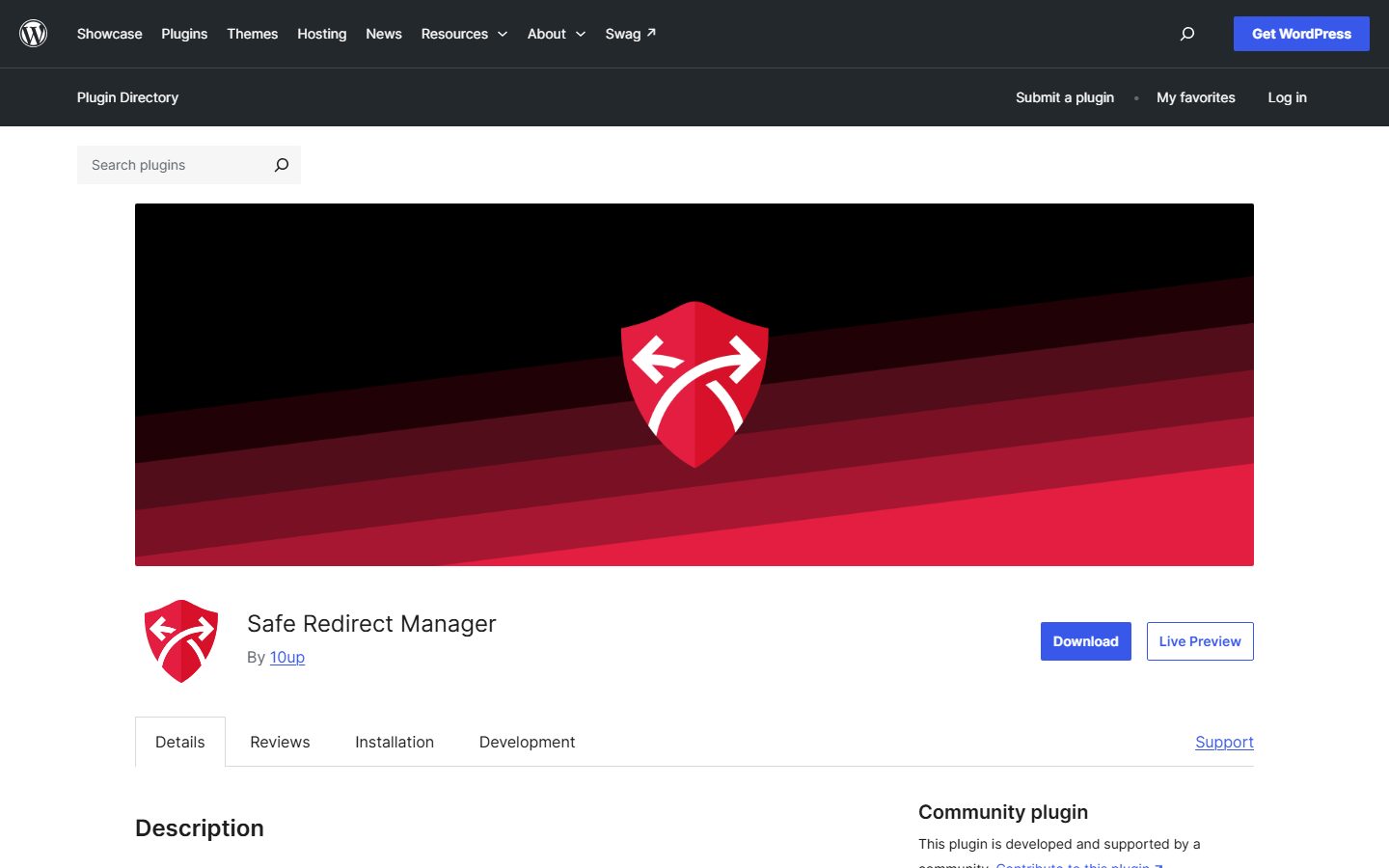
- Safe Redirect Manager. The listing says it is developed by 10up, stores redirects as a custom post type, caps redirects at 1,000 by default with a filter to raise it and is built for high-traffic sites. It supports regex and wildcards and does not log 404s. It fits developers and large sites that value performance and control.
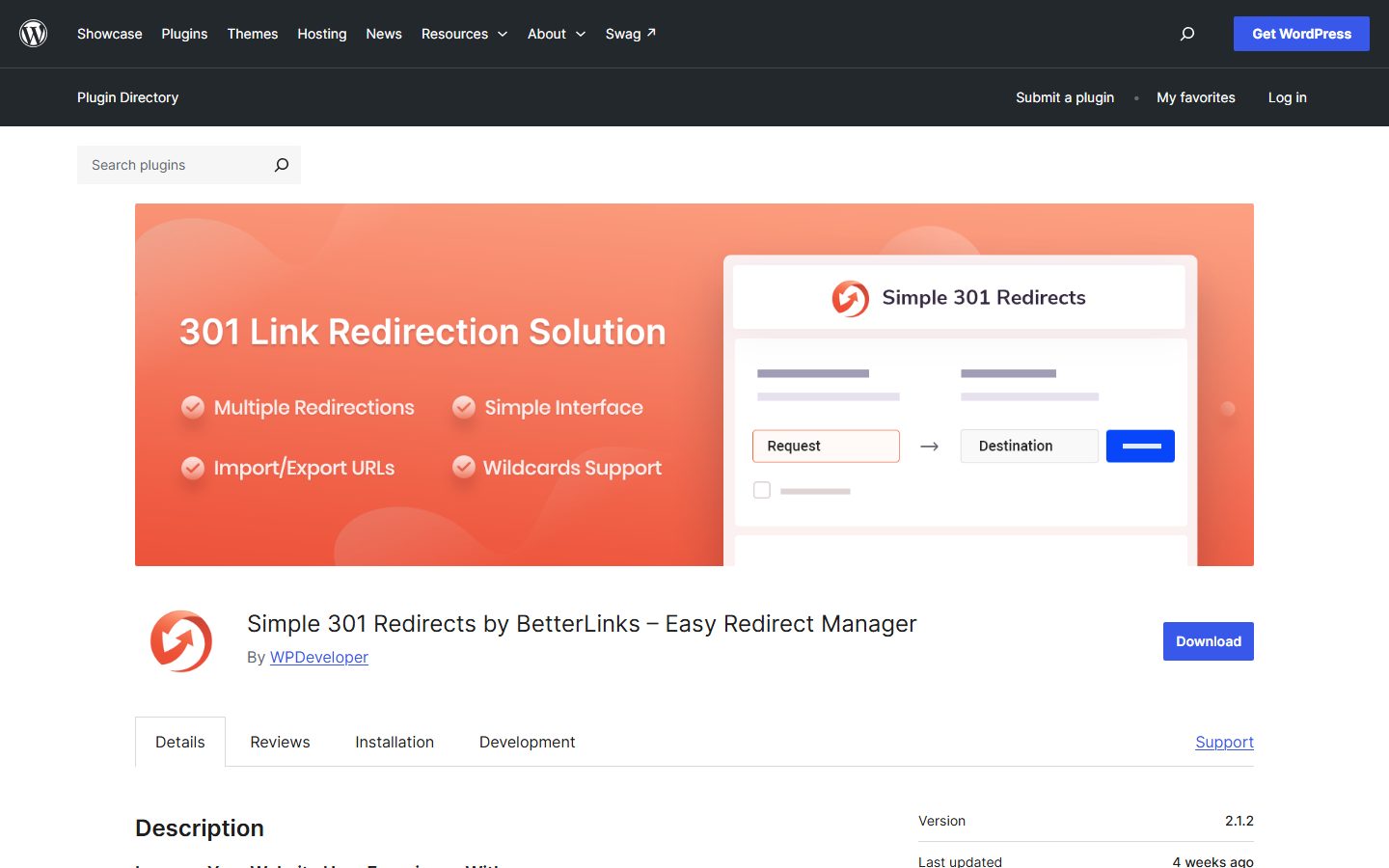
- Simple 301 Redirects. The listing describes creating 301 redirects, bulk import, CSV export and folder wildcards. It does not describe 404 logging. It fits small sites with a list of redirects.
- Rank Math’s redirection module. The listing describes a redirection manager and a 404 monitor among its modules. It fits sites already running that SEO plugin.
- Premium SEO redirect managers. Yoast Premium and AIOSEO Pro list redirect managers in paid tiers. They fit sites already on those plugins who prefer one vendor.
The screenshots below show the homepage of two of these examples as captured in November 2026, so you can see how each vendor presents the product.
Also see the SEO plugin roundup for how redirect features fit into SEO suites.
A comparison checklist you can fill in
| Question | Why it matters | Your answer |
|---|---|---|
| Does your SEO plugin already include redirects? | Avoid duplicates | |
| Does it run in PHP, server rules or both? | Speed, reliability | |
| Is there a cap on redirects? | Large migrations | |
| Does it support regex and wildcards? | Section moves | |
| Which status codes can you set? | 301, 302, 410 | |
| Does it warn about loops and chains? | SEO and speed | |
| Does it log 404s, and can you limit data? | Insight, privacy | |
| Can you import and export? | Migration, backup | |
| Does it handle slug changes automatically? | Editors | |
| Is it compatible with your cache and CDN? | Stale redirects | |
| Is anything behind a paid tier? | Cost |
Setup and migration steps
Before you switch
- Export existing redirects from your current tool, and from any .htaccess or server rules.
- Crawl the live site to list current URLs and their status codes.
- Pull a list of top landing pages and pages with external links, since those are the ones that matter most. Google Search Console helps. See the Search Console guide.
- Back up the site and your server configuration.
During setup
- Install on staging first. See the staging site guide.
- Import redirects and check counts.
- Make sure only one tool owns redirects. Disable the redirect module of an SEO plugin if you use a dedicated plugin.
- Map each old URL directly to its final destination, so you do not create chains.
- Start with 302 for risky or uncertain rules and change to 301 after testing.
- Decide what a 404 or 410 should do for content with no replacement.
After you switch
- Test a sample of old URLs with a crawler or a header checker. Confirm a single hop to a 200 page.
- Clear your page cache and CDN cache.
- Watch the 404 log and Search Console for new errors during the first weeks.
- Do not remove old rules too early. Google does not state a minimum period in its redirect documentation, so keep important ones for the long term.
Common mistakes and red flags
- Redirecting everything to the home page. Google may treat it as a soft 404 when the content does not match. Redirect to the closest relevant page.
- Redirect chains, such as old to older to new. Map directly.
- Redirect loops after a protocol, www or trailing slash change.
- Using 301 when you meant temporary, then finding browsers have cached it.
- Overbroad regex that catches URLs you did not mean to redirect.
- Two tools redirecting the same URL.
- Leaving internal links pointing at redirected URLs. Update them. MDN notes internal redirects are costly and advises fixing links.
- Logging every 404 forever. It grows the database and holds personal data.
Red flags in a tool: no way to export rules, no way to test, and a log that cannot be limited or cleared.
Cost and risk of switching later
Redirects are valuable data. Losing them means broken links and lost visitors, so the main risk of switching tools is dropping rules in transit. Export first, import into the new tool, compare counts and crawl the old URLs.
Storage format matters. Plugins that keep redirects in custom tables or custom post types may export well to CSV or JSON, and server-level rules in .htaccess are portable by nature. Moving redirects out of WordPress into server rules is a good long-term step for stable, permanent redirects, since it removes the per-request lookup and the plugin dependency. Costs are mostly time. Where paid tiers apply, such as in SEO suites, check what stays active if you stop paying.
A one-afternoon evaluation plan on a staging copy
- Prepare a test list (20 minutes). Choose 30 URLs: simple moves, a section move, URLs with query strings, deleted pages and a trailing slash case.
- Install and import (20 minutes). Import your current redirects. Pass: counts match and nothing errors.
- Test basic redirects (20 minutes). Use a header checker or crawler. Pass: single hop, correct status code, final 200.
- Test regex and wildcards (30 minutes). Create a section rule. Pass: expected URLs redirect, others do not.
- Test loop and chain handling (20 minutes). Create a rule that points to another redirect, then a loop. Pass: the tool warns, or you can detect it in testing.
- Test 404 logging (20 minutes). Request nonexistent URLs. Pass: they are logged, and you can bulk-redirect one. Check the IP handling and retention options.
- Test slug change (15 minutes). Rename a post. Pass: the old URL redirects, if the tool claims this feature.
- Measure overhead (30 minutes). Import a few hundred test rules and measure response time on a normal page. Pass: no noticeable change. Compare with server-level rules if the tool offers them.
- Test export (15 minutes). Export and reimport on a second site. Pass: rules arrive intact.
How we will evaluate it
WPMusk has not run hands-on tests of redirect managers yet. This page is a decision guide built from vendor listings, Google Search Central documentation and MDN. This page carries no score: it is guidance for choosing, not a measured result.
When we publish a full review we plan to follow the plan above and state what we measured. Scores will use our plugin weights: speed impact 30%, reliability 25%, support 20%, value 15% and ease of use 10%.
Questions people ask
Should I use 301 or 302?
Use 301 when the move is permanent and you are sure it will not be reverted. Use 302 for temporary moves. When unsure, start temporary and switch after testing.
Do I need to redirect every 404?
No. Google treats 404 and 410 alike and says other 4xx errors do not affect crawl rate. Redirect URLs that have a true replacement or valuable links.
Are redirect plugins slow?
They add a lookup per request, which grows with the number of rules. Caching, caps and server-level rules help.
Should redirects live in a plugin or in the server?
Server rules are the most reliable, according to Google, and plugins are easier to manage. Many sites use a plugin for convenience and move stable rules to the server.
How long should I keep redirects?
Google’s documentation does not give a duration. Keep important ones as long as old links exist or are requested.
Why does my redirect not work?
Common causes are a cached page, another plugin or server rule taking priority, a loop or a browser that cached an earlier redirect. Test in a private window and with a header checker.
This is a buyer’s guide for a type of product. It is based on public documentation, not on hands-on tests, and it carries no score.
← All reviews