An SEO plugin gives you a place to control how your pages present themselves to search engines and to people who see them in results. It handles page titles, meta descriptions, canonical URLs, sitemaps, structured data and robots directives. It also usually adds an editor panel that scores your content against a checklist.
It does not rank your site. Rankings come from content quality, links, technical health and many things outside a plugin. What a plugin does is remove technical friction and make sure the signals your pages send are consistent and correct.
The plugin hooks into WordPress as it builds each page. It changes the title tag, adds meta tags and link tags in the page head, and prints structured data, usually as JSON-LD, a script block that describes the page to machines. Google calls JSON-LD the easiest format to implement and maintain at scale, though it also supports Microdata and RDFa.
For sitemaps, the plugin generates XML files listing your public URLs and updates them as content changes. WordPress core has included basic XML sitemaps since version 5.5, with a sitemap index at wp-sitemap.xml, so a plugin’s sitemap competes with or replaces the core one. Running both is a common source of confusion. See the XML sitemap guide.
Many plugins add more: breadcrumbs, redirect managers, 404 monitors, Search Console connections, bulk editors and social previews. These extras overlap with other plugins, so decide which one owns each job.
If you already run one SEO plugin and it works, switching rarely produces a ranking gain. The reasons to switch are cost, features you need, or friction with your workflow. Run only one SEO plugin at a time, because two will output duplicate tags.
| Approach | What it does | Fits | Watch out for |
|---|---|---|---|
| Guided, checklist-style plugin | Scores content with traffic-light feedback and readability hints | Writers who want a prompt | Treating the score as the goal; scores do not equal rankings |
| Modular, feature-rich plugin | Many modules you switch on or off | People who want schema, redirects and 404 tools in one place | Turning on modules you never use; overlap with other plugins |
| Lightweight settings plugin | Titles, meta, sitemaps and little else | Developers and minimalists | Fewer guardrails |
| Core sitemaps plus a small meta plugin | Core handles sitemaps; plugin handles tags | Simple sites | Limited schema and no redirects |
| Theme or builder built-in SEO | Fields inside your theme or builder | Sites tied to one builder | Lock-in; data lost if you change theme |
On WPMusk, plugins are scored on speed impact (30%), reliability (25%), support (20%), value (15%) and ease of use (10%). For SEO plugins, speed impact means admin and front-end overhead, and reliability means that tags and schema stay correct after updates.
An SEO plugin runs on every page and loads editor scripts in the admin. Look for modular designs where unused features are off, and be wary of plugins that add many database queries or large admin scripts. Check your own admin speed on a staging copy rather than trusting any claim.
Titles, canonicals, robots tags and schema must be right. Check whether the plugin lets you control archives, tags, author pages and attachment pages, since thin pages can be marked noindex. Validate structured data with Google’s Rich Results Test. Google states that structured data does not guarantee rich results, and that required properties must be present for eligibility. See the schema markup guide.
Compare which types are included and which need a paid tier. Yoast’s listing says free includes basic structured data and FAQ and HowTo blocks, and that Premium adds more schema types. Rank Math’s listing describes 16 or more schema types. AIOSEO’s listing mentions schema in the free version without naming types. SEOPress’s listing describes organization data in free and a JSON-LD editor in Pro. Read the table for the type you need, such as Product, Recipe or LocalBusiness.
Some plugins include a redirect manager and a 404 monitor, others put them behind a paid plan. Yoast’s page lists its redirect manager under Premium. AIOSEO’s lists a redirection manager under Pro. Rank Math’s listing describes a redirection manager and 404 monitor. If you want one tool for this, check the tier. Otherwise see the 301 redirects guide.
You should be able to exclude post types, taxonomies and individual URLs, and to confirm that only one sitemap is active. Note which sitemap types, such as video, news or image, are paid.
If you may change plugins later, check for importers from other SEO plugins and for data you can export. Titles and descriptions live in post meta tied to the plugin that wrote them. Losing them is the main cost of switching.
SEO plugins touch every page. Look for a clear changelog, an active support channel and documentation on how to handle conflicts with themes. Free tiers on wordpress.org use forum support, and paid tiers usually add ticket support.
Check what leaves your site. Some plugins connect to Search Console, analytics or AI services. Read what data is sent and whether you can turn it off. See the Search Console guide.
These are examples, not rankings, drawn from each plugin’s wordpress.org listing. Features and tiers change, so check the vendor page. We list no prices.
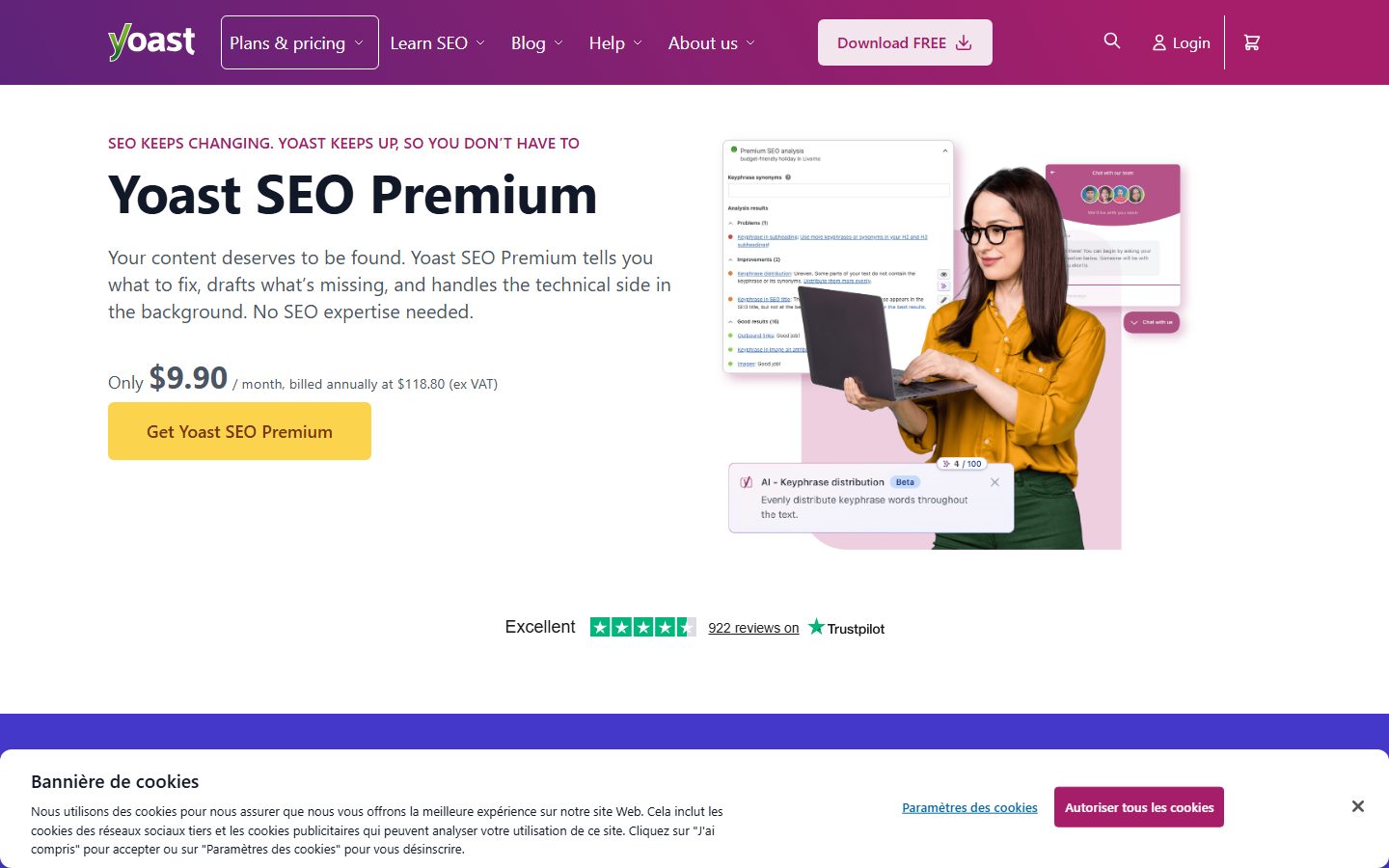
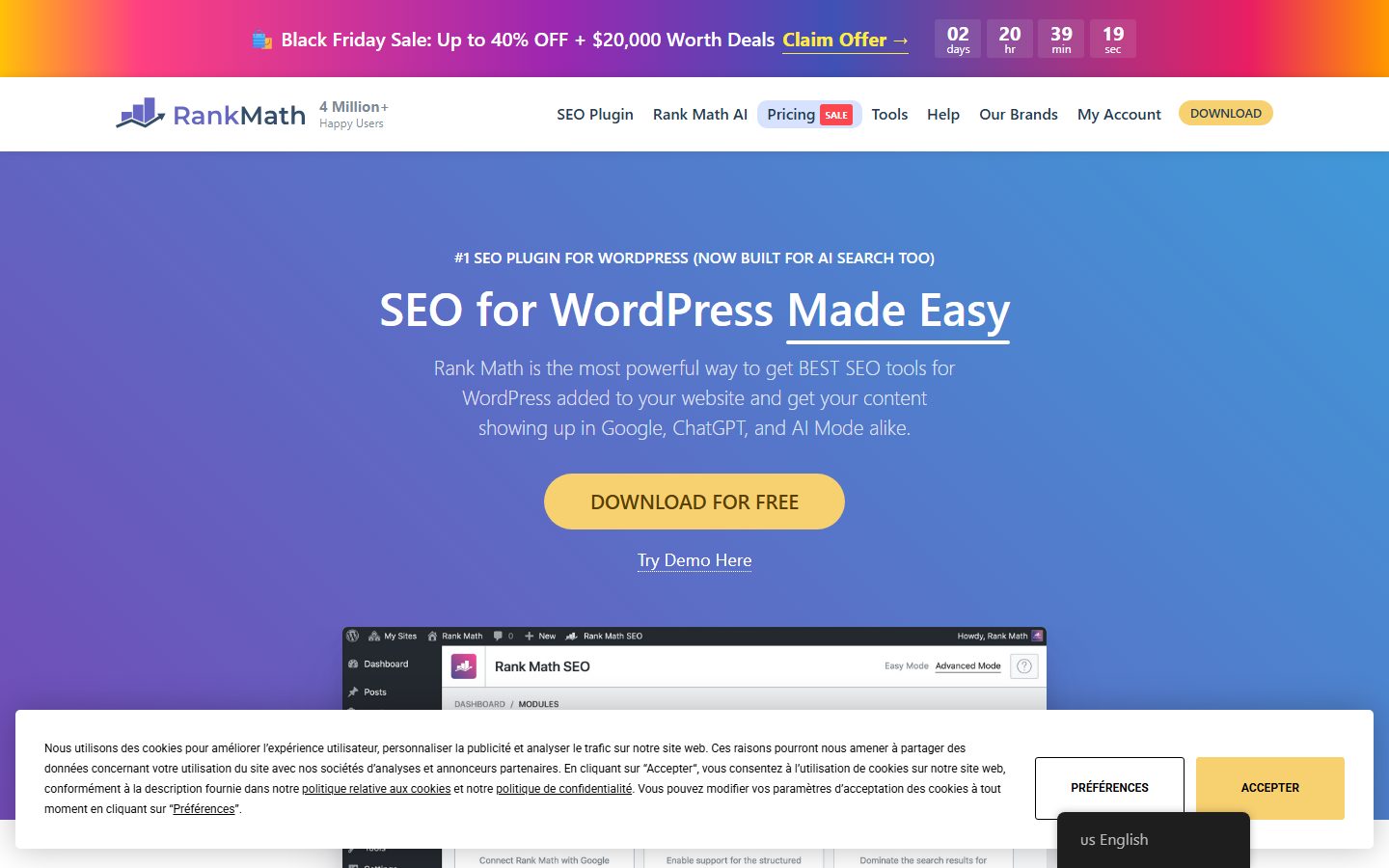
The screenshots below show the homepage of two of these examples as captured in November 2026, so you can see how each vendor presents the product.
For a wider view, see the SEO plugin roundup.
| Question | Why it matters | Your answer |
|---|---|---|
| Which schema types you need are free? | Rich result eligibility | |
| Is a redirect manager included? | Avoids another plugin | |
| Can you exclude URLs from sitemaps? | Index hygiene | |
| Does it replace the core sitemap cleanly? | No duplicates | |
| Is there an importer from your current plugin? | Migration | |
| Can you turn off unused modules? | Overhead | |
| What data does it send off site? | Privacy | |
| Does it work with your theme and builder? | Conflicts | |
| How many sites does a licence cover? | Agencies | |
| What happens to your data if you uninstall? | Lock-in |
Red flags in a vendor: promises of rankings, no mention of how to export your data, and a free tier that gives no sense of what is locked.
The main risk is data. Titles, descriptions, focus keywords, canonical overrides and schema settings sit in post meta tagged with the plugin’s own keys. Importers can convert many of them, but not all. Test the conversion on a staging copy and compare counts.
The second risk is changed output. Even with the same text, a different title template or a new canonical rule can change what search engines see. Keep a before-and-after crawl. The third risk is licensing. Paid plugins are usually yearly subscriptions, and features can stop working or stop updating if you do not renew. Check renewal terms and what remains active after expiry.
WPMusk has not run hands-on tests of SEO plugins yet. This page is a decision guide built from vendor listings and the documentation of Google and WordPress. This page carries no score: it is guidance for choosing, not a measured result.
When we publish a full review we plan to follow the plan above and say what we checked. Scores will use our plugin weights: speed impact 30%, reliability 25%, support 20%, value 15% and ease of use 10%. For the strategy side, read the WordPress SEO guide and the launch checklist.
Not strictly, since core WordPress outputs titles and basic sitemaps. A plugin saves manual work and adds control for titles, schema and noindex rules.
Not at the same time. They duplicate tags and sitemaps. Switch fully from one to the other.
It can if the output changes, for example titles or canonicals. Compare crawls before and after to catch it.
No. It is a checklist for readability and keyword placement. Use it as a prompt.
No. Google says structured data can make pages eligible, not that results will appear.
It depends on what you need. List your must-have features, such as redirects or a schema type, and check which tiers include them.