
A cloud VPS (virtual private server) host rents you a slice of a physical machine as an isolated virtual server. You get your own operating system, root access and an allocation of CPU, memory and storage. Unlike managed WordPress hosting, nobody preinstalls or tunes WordPress for you: the provider supplies the server, and what runs on it is your responsibility.
The “cloud” part means the server is created in minutes through a dashboard or API, can usually be resized, cloned from a snapshot and billed by the hour or month. That flexibility is the attraction: you can match resources to the site, move between sizes, and run several sites on one machine.
The price of that control is duty. The WordPress project’s performance documentation puts it plainly: with a VPS or dedicated server you have full control and can tune server software and offload content, which also means these tasks fall to you. This guide helps you decide whether you want them, and how to pick a provider and a setup if you do.
A WordPress site on a VPS needs a stack you assemble or have a tool assemble:
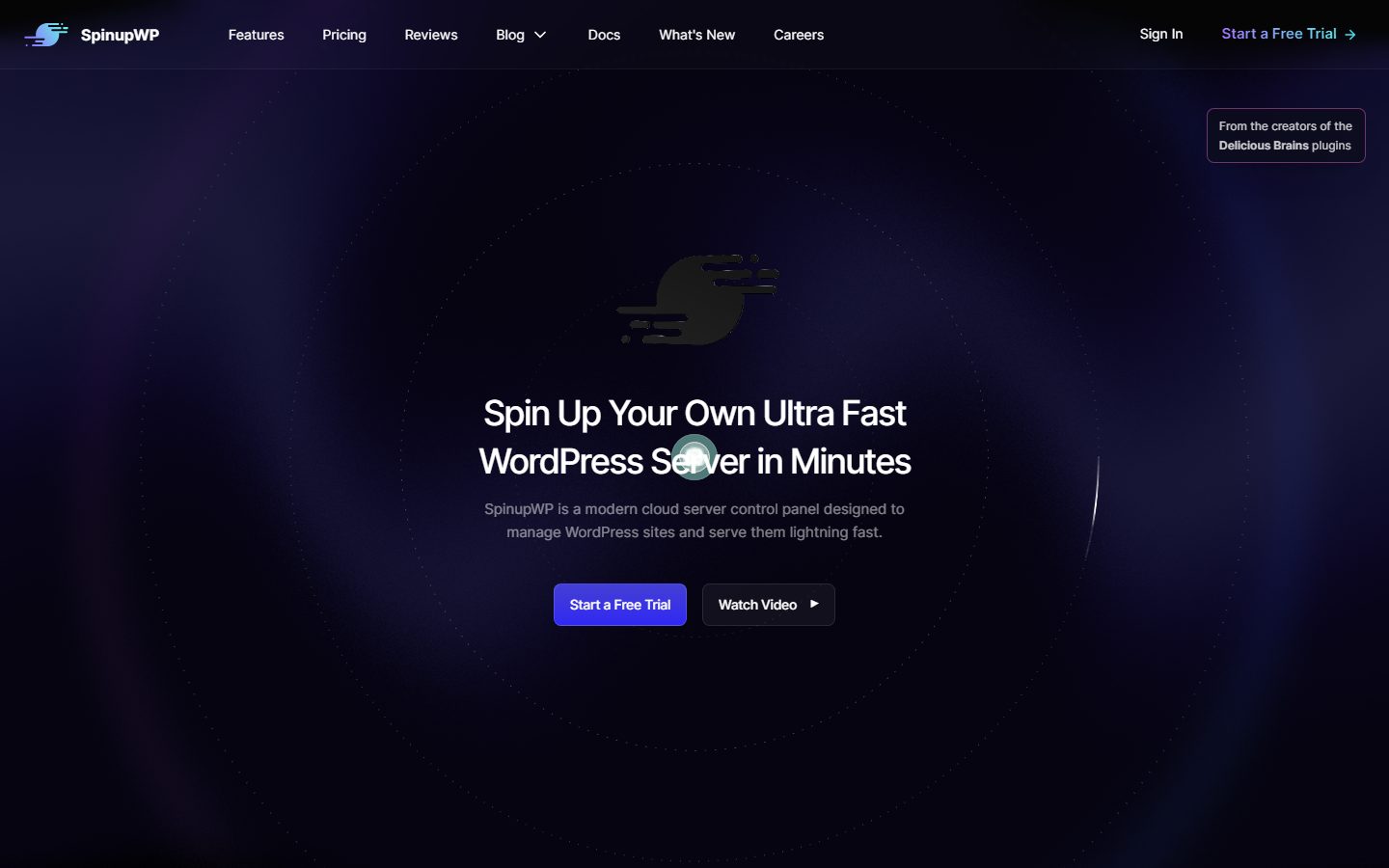
You can build this by hand, use a one-click image, or use a control panel that does it for you on a VPS you rent. SpinupWP, for example, describes itself as a control panel for WordPress sites on your own servers from providers such as DigitalOcean, Vultr, AWS, Akamai/Linode, Google Cloud and Hetzner, and says it sets up SSL, cron, caching and WP-CLI, isolates each site under its own system user and uses a firewall allowing only HTTP, HTTPS and SSH. RunCloud describes a similar control panel for cloud servers. The panel is a separate product with a separate bill and separate support from the server provider.
A VPS fits developers, agencies hosting many client sites, shops that have outgrown shared plans and teams with unusual requirements such as specific PHP extensions, background workers or custom server software. It also suits people who are comfortable with a command line or who are willing to pay for a panel that hides it.
If nobody on your team wants to handle updates, firewall rules and restores at 2 a.m., managed hosting is the safer option. See managed versus VPS WordPress hosting and best hosting by use case. A small brochure site almost never benefits from a VPS.
| Approach | What you manage | Strength | Trade-off |
|---|---|---|---|
| Unmanaged VPS, hand-built stack | Everything on the server | Maximum control, lowest licence cost | Needs real sysadmin skill; mistakes become outages or breaches |
| VPS with a WordPress control panel | Server rental, panel settings, sites | Automated setup, backups, SSL, caching | Second vendor and bill; you still own server-level incidents |
| VPS with a general hosting panel | Sites, mail, databases | Familiar interface for many apps | Not WordPress-specific; more tuning on your side |
| Managed cloud (panel plus provider support) | Sites only | Cloud choice plus managed support | Support and billing bundled; less raw access |
We weigh hosting on speed 30%, reliability 25%, support 20%, value 15% and ease of use 10%.
Look at CPU type and allocation (shared or dedicated vCPU), memory, storage type (SSD or NVMe) and network location. The WordPress documentation notes that CPU, RAM and SSD or NVMe storage strongly affect speed. Pick a data centre near your visitors; Hetzner Cloud, for instance, lists locations in Germany, Finland, Singapore and the USA, while Cloudways lists providers’ 150-plus data centres in 50-plus countries for its managed layer. Speed also depends on your own caching setup, so read Redis object cache and PHP versions.
Ask about the provider’s uptime commitment, how it treats host maintenance and whether servers can be live-migrated. Look for snapshots and automated backups, and confirm where backups are stored. A snapshot taken inside the same account is not a safe backup against account problems. Plan a second copy elsewhere, as in backup plugins.
For unmanaged servers, support usually covers the platform (hardware, network, billing) and not your software. Read exactly what is in scope. Check whether a panel vendor offers help with WordPress-level problems.
Compare hourly versus monthly billing, bandwidth allowances and prices for extras: backups, snapshots, load balancers, floating IPs, private networking. Add the panel’s fee and any email service, since a VPS often needs separate mail delivery. Read each vendor’s pricing page on the day you buy.
Evaluate the dashboard, API and command-line tools. Hetzner lists a REST API and CLI with integrations for tools such as Terraform and Ansible; automation tools like these matter if you manage many servers. For a newcomer, ease of use is largely determined by the panel you choose.
Security on a VPS is yours: SSH keys instead of passwords, a firewall, automatic security updates, isolation between sites, and fail2ban or similar. Providers may offer stateful firewalls as a service; Hetzner lists these as included and reusable across servers. See the WordPress security guide and hacked site recovery.
Can you resize in place, add a load balancer, split the database to its own server? The WordPress documentation says very high traffic may call for more servers, load balancers or a separate database server. Know whether your provider supports these steps before you need them.
These are examples, not a ranking, described from vendor pages read while preparing this guide.
The screenshots below show the homepage of two of these examples as captured in November 2026, so you can see how each vendor presents the product.
| Question | Option A | Option B | Option C |
|---|---|---|---|
| vCPU type (shared or dedicated), RAM, storage type | |||
| Data centre locations | |||
| Who handles OS and PHP updates? | |||
| Control panel and its separate cost | |||
| Backups and snapshots: where stored, cost | |||
| Firewall options | |||
| Email sending solution | |||
| Resize and scale options | |||
| Support scope (platform only or WordPress too) | |||
| Billing model and bandwidth allowance |
Decide who will own server maintenance and write it down: updates, backups, monitoring, incident response. Choose a size using your current usage rather than guesses; the memory used by PHP processes is the first limit most sites hit. Check your domain registrar and DNS provider access. Full migration steps are in migrating to a new host.
Create the server, secure SSH with keys, enable the firewall, apply updates and install the panel or stack. Create the site, import the database and files and test through a hosts file entry before DNS changes. Configure caching and set up backups with a restore test. Set up mail through a transactional email service, since many providers limit outbound mail ports on new servers.
Point DNS, check SSL renewal works and add monitoring for uptime and disk space. Schedule security updates. Document the setup, including how to rebuild it from nothing.
A VPS is easy to leave in one respect: it contains standard software and your own files, with no proprietary platform. The risk is in the details that live only in your head or on the server, such as cron jobs, firewall rules, custom Nginx configuration and mail setup. Use configuration management or at least a written runbook. Moving between cloud providers is mostly a copy plus DNS change, but keep egress charges and snapshot-format differences in mind. Moving from a VPS to managed hosting is usually simpler than the reverse because you give up duties rather than take them on.
WPMusk has not run hands-on tests of cloud VPS hosts. This is a buyer’s guide based on vendor and WordPress documentation, with no measured results. A full review would build the same WordPress stack at each provider, measure response times and resource use under the same load, test snapshots and restores, and review support scope, then score against the weights above. This page carries no score: it is guidance for choosing, not a measured result.
Not automatically. Speed depends on resources and tuning. A well-tuned VPS can be very fast; a neglected one is slow and insecure.
It depends on PHP process count and plugins. Start from your current usage, leave headroom and monitor.
Not strictly, but unless you are comfortable administering Linux, a panel reduces risk and time.
You do, or your panel vendor if it offers that service. See hacked site recovery.
Yes, and many agencies do, but isolate sites from each other and plan capacity so one busy site does not starve the others.
The one nearest most of your visitors, then consider a CDN for the rest.